
The two tabs have different purposes: - "Seller Product Pages": Displays a list of linked supplier product pages and product information. - "Data Overview BETA": Displays an overview of business metrics (currently a beta testing feature).
To switch between them: 1. After entering the Dashboard page, find the "Data Overview BETA" and "Seller Product Pages" tabs in the tab bar at the top of the page. 2. Click either tab to switch to the corresponding content view.
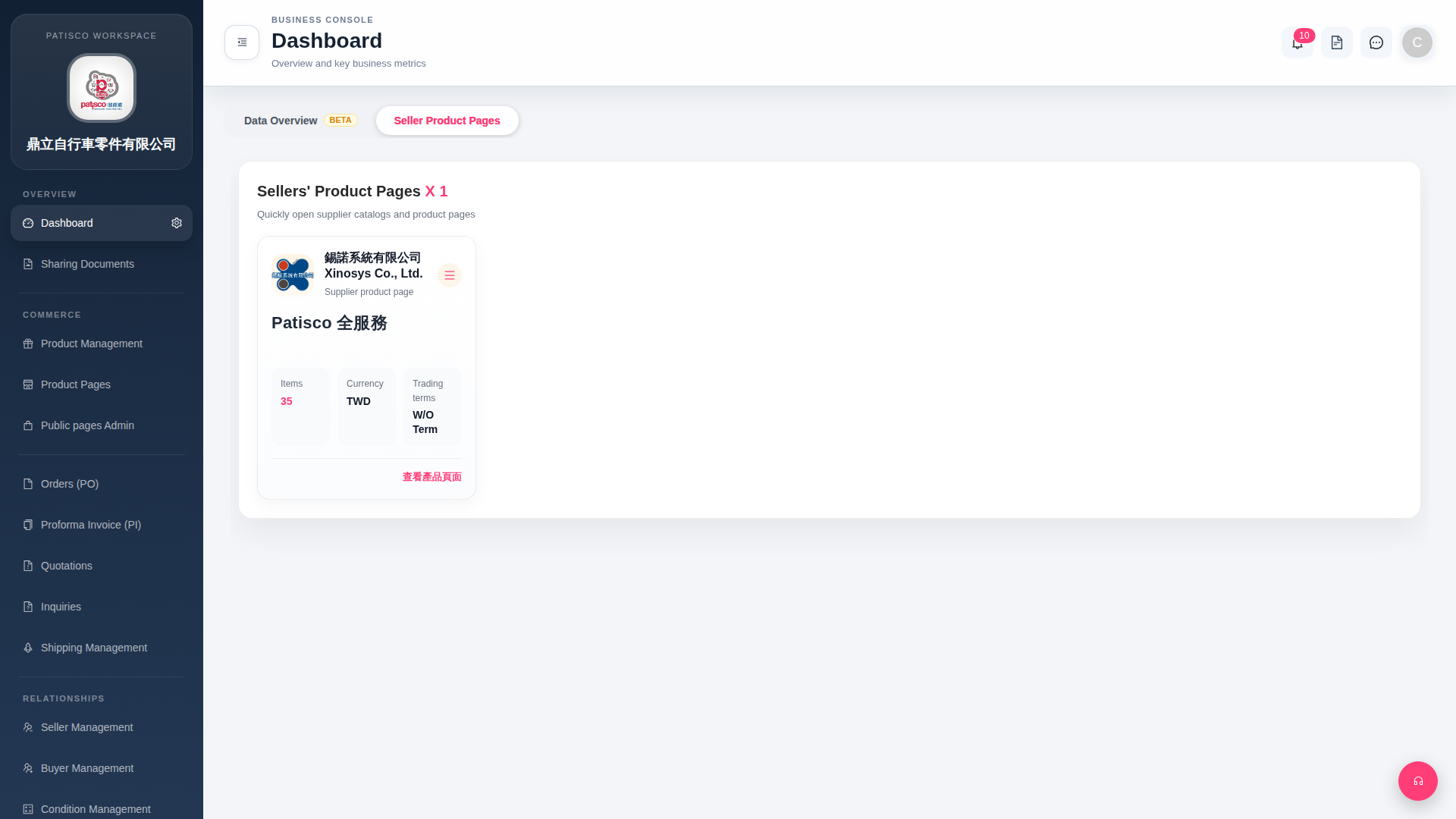 G4 桌面版|Dashboard