
1. Open https://demo.patisco.com/main/shp in your browser to enter the "Shipping Management" page. 2. After entering, the system will apply the "Stat Preparing" filter by default, showing only shipping documents with a status of preparing. 3. The list columns include Shipping Document No., Buyer, Stat, ETD, Incoterm, Build Date, and other information. 4. The tab bar at the top of the page allows you to switch between "Documents" and "Selected Items" viewing modes.
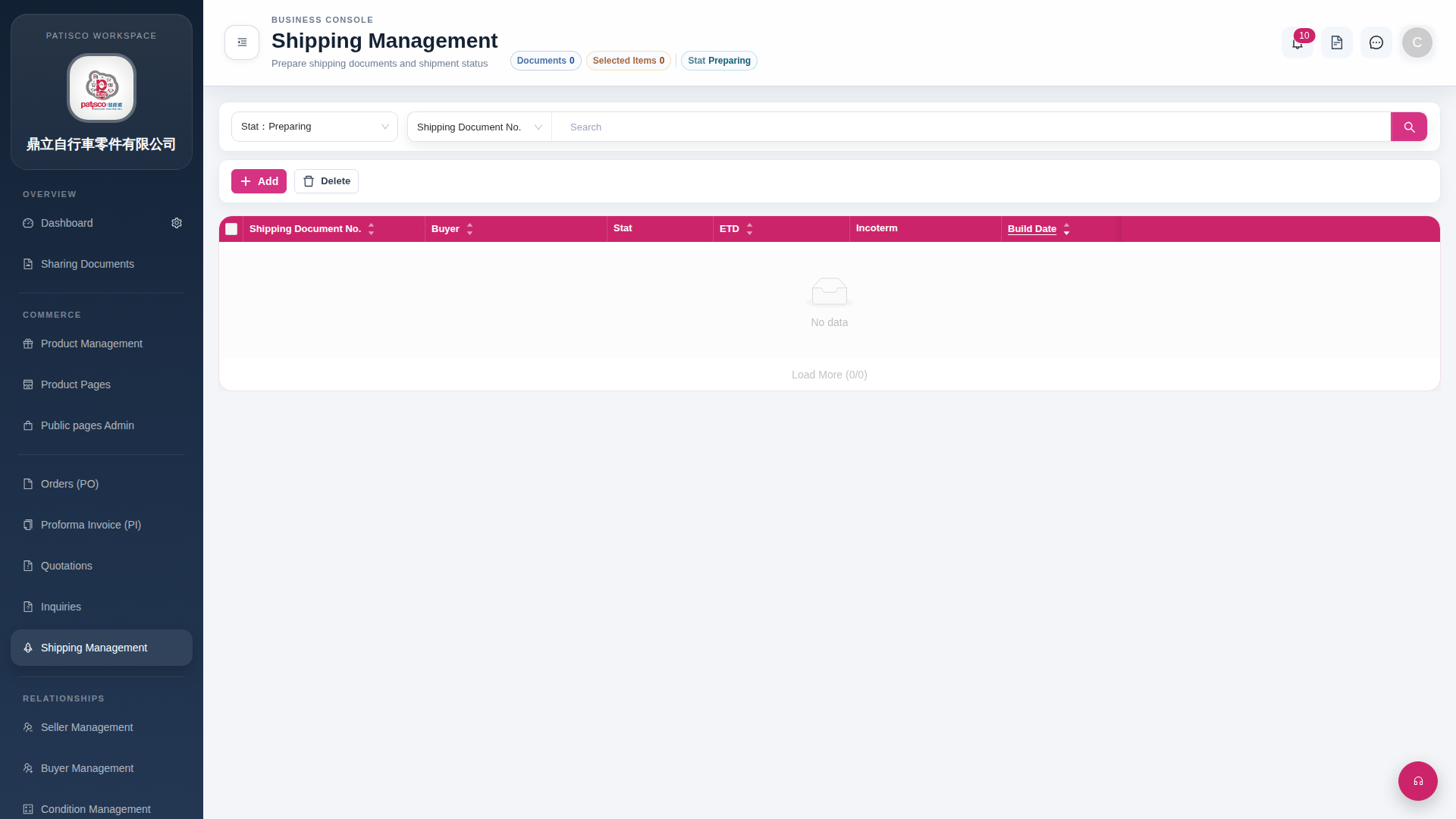 G4 桌面版|Shipping Management