
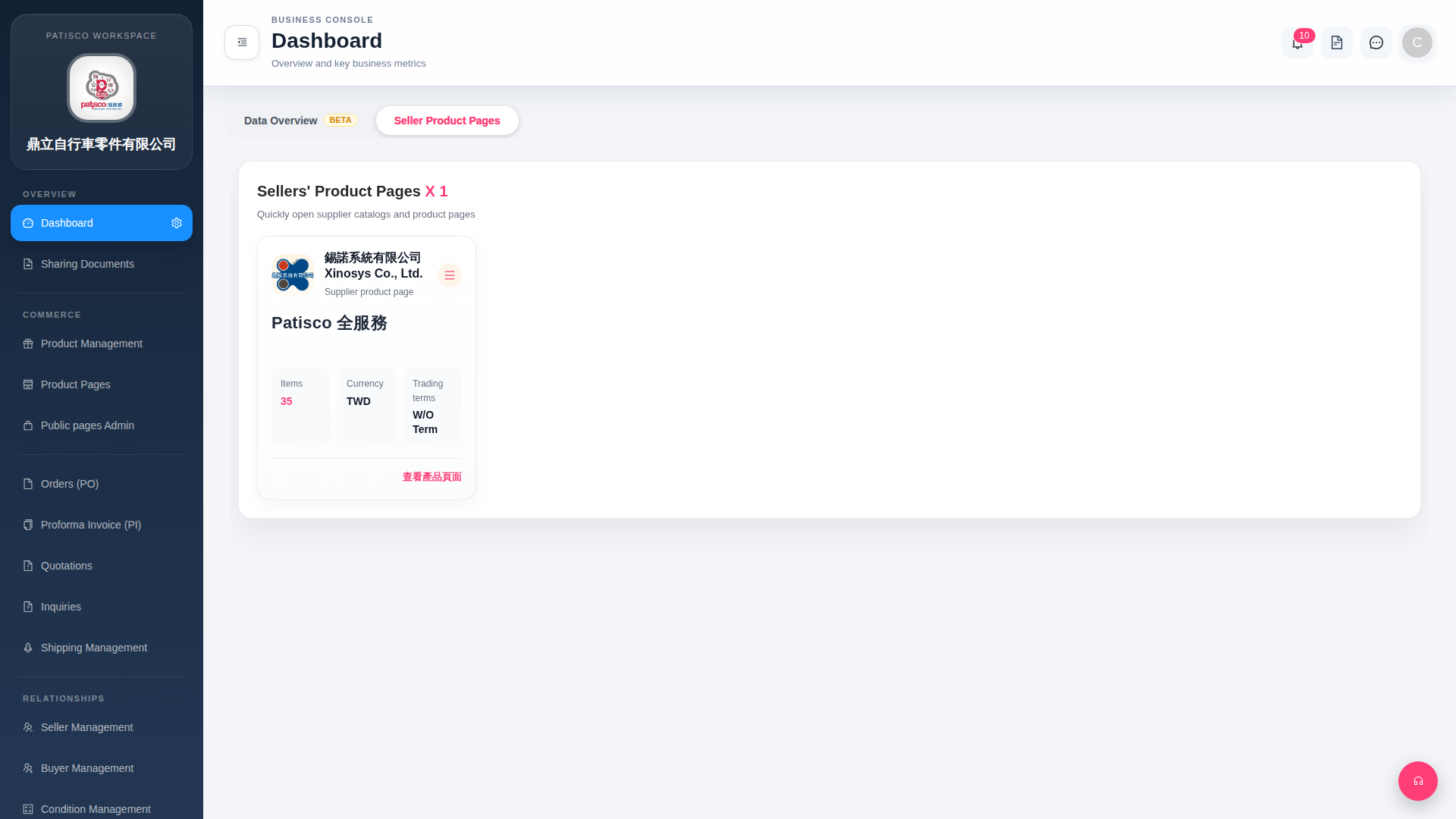
1. After logging in and entering the Dashboard, the system will default to the "Seller Product Pages" tab, displaying cards for all linked suppliers. 2. On each supplier card, you can confirm information such as "Items (number of products)", "Currency", and "Trading terms". 3. Find your target supplier (for example: Lock No System Co., Ltd.) and click the "View Product Page" red text link at the bottom right of the card to open that supplier's complete product catalog. 4. If you need to perform other operations on that supplier, click the "≡" icon in the top right corner of the card to expand more options.
 G4 桌面版|Dashboard