
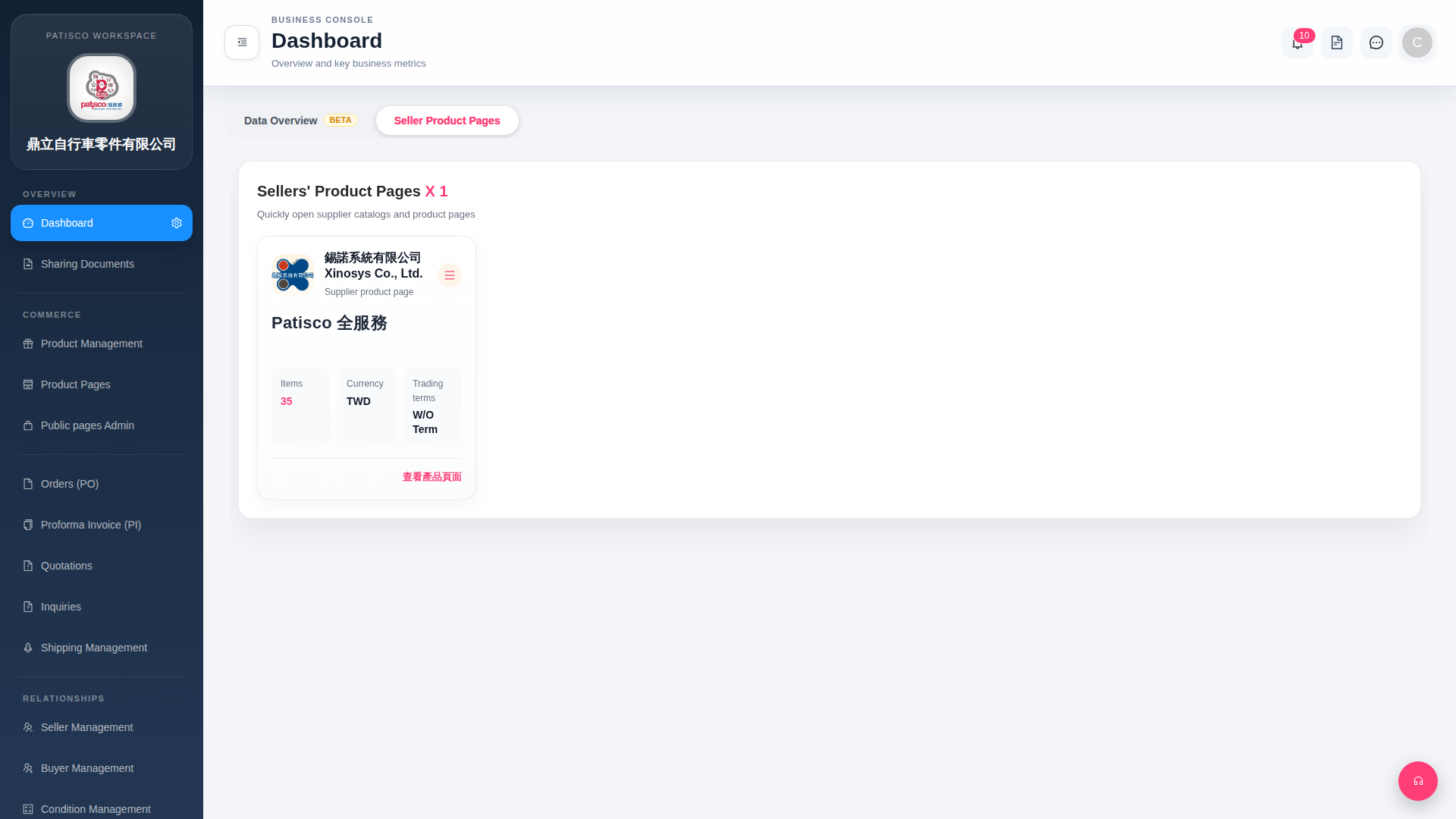
1. "Data Overview BETA" is one of the tab labels at the top of the Dashboard. Click it to switch to the data overview page and view key business metrics. 2. Currently the system defaults to the "Seller Product Pages" tab. Simply click the "Data Overview BETA" tab at the top of the page to switch. 3. Please note that this feature is currently marked as BETA and the content may continue to be adjusted.
 G4 桌面版|Dashboard