
1. Click "Quotations" in the left sidebar to enter the Quotations management list page. 2. After entering, the "Sent Doc." tab is displayed by default, which shows the list of quotations you have sent. 3. If you want to view received quotations, click the "Received Doc." tab to switch. 4. The list columns include Quotation No., Buyer, Incoterm, Currency, Created Date, Last Change, Validity, and other information.
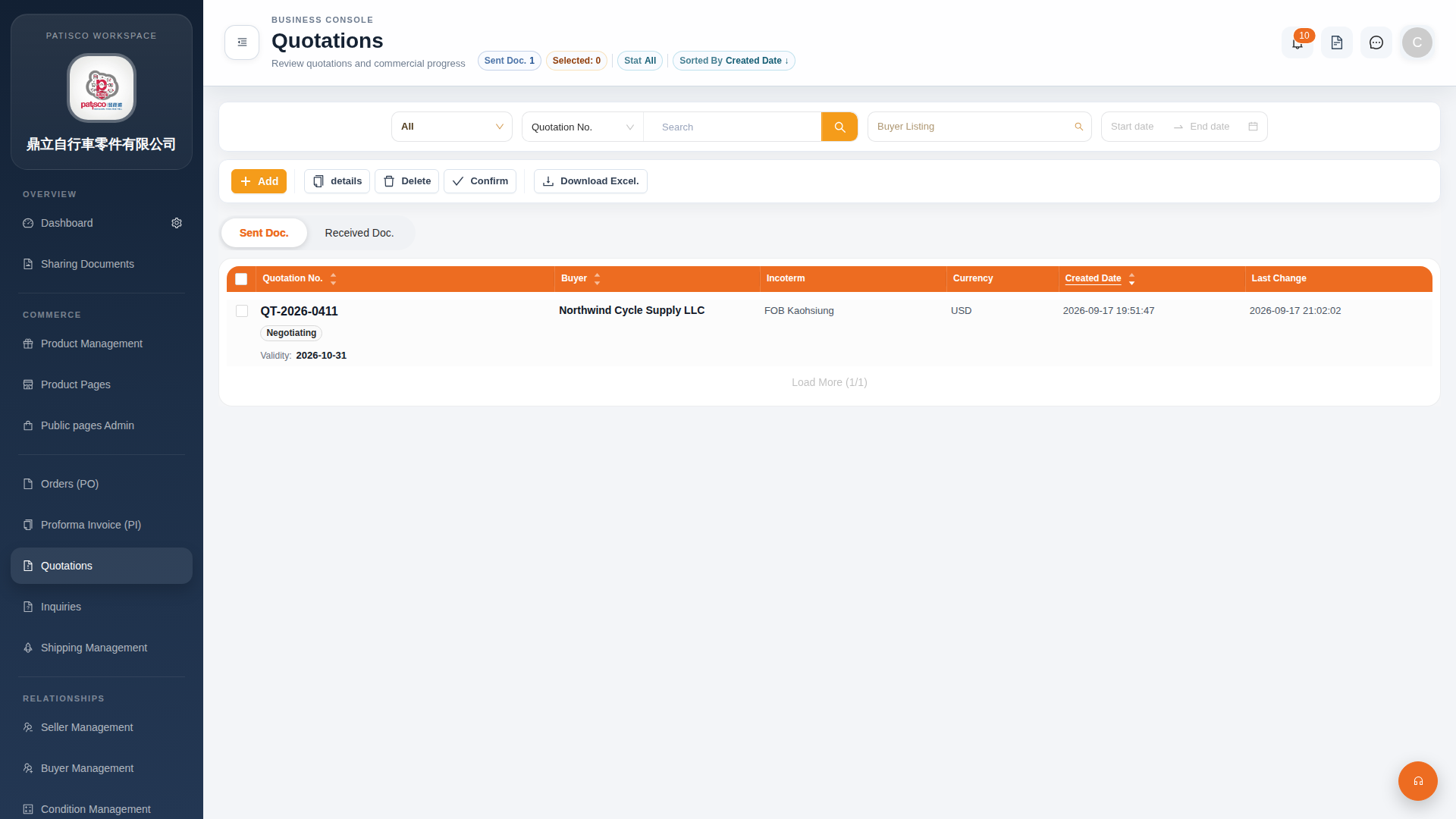 G4 桌面版|Quotations(報價單管理)