
1. After entering the "Shipping Management" page, locate the search bar at the top. 2. Click the dropdown below the search field to select a search condition, such as "Shipping Document No." or other fields. 3. Enter the keyword you want to query. 4. Click the magnifying glass button on the right side of the search bar to execute the search. 5. If you want to load more results, click the "Load More" button at the bottom of the list.
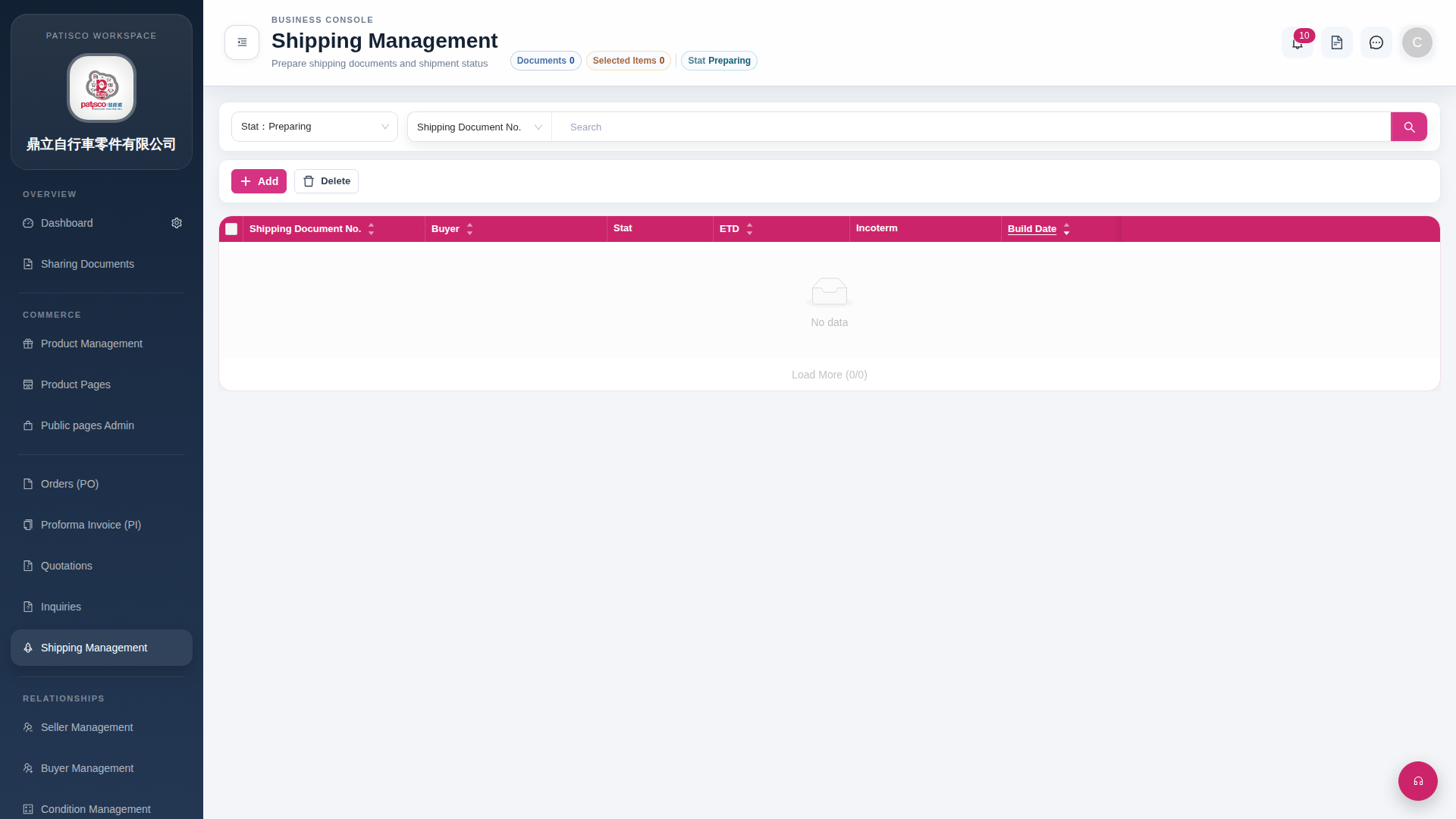 G4 桌面版|Shipping Management