
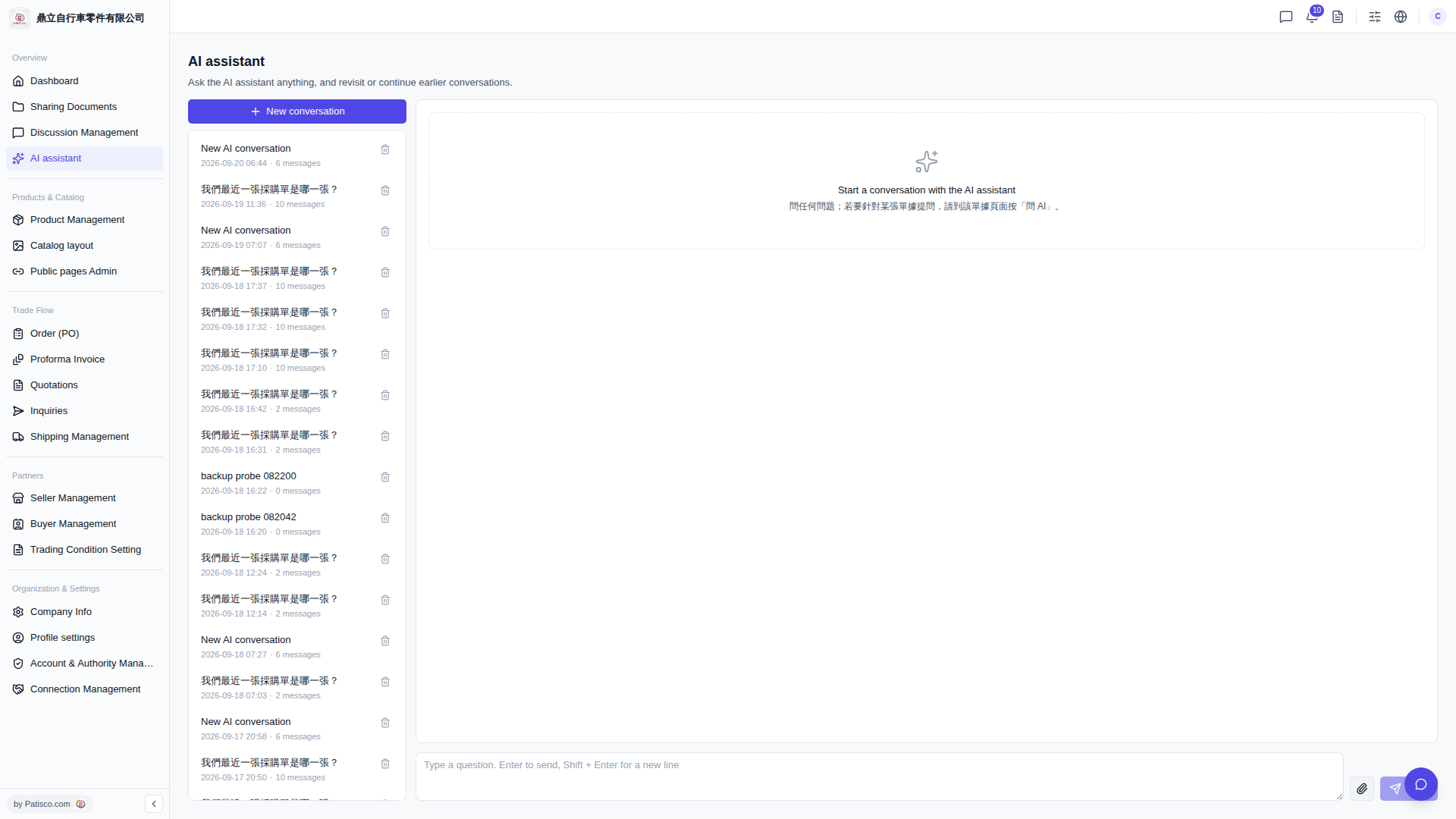
1. On the "AI assistant" page, the list on the left displays all chat histories. Each record includes the conversation title, creation date and time, and message count. 2. Click any conversation in the list on the left, and the main area on the right will display the full content of that conversation. 3. To delete a specific conversation, hover your mouse over that row and click the trash icon on the right to delete that conversation record.
 V5 新桌面版|AI assistant