
Yes, here's how:
Upload attachments: 1. Click the paperclip icon (attachment icon) next to the question input box. 2. Select the file you want to upload to provide supplementary information to the AI assistant.
Delete conversation records: 1. Find the conversation you want to delete in the historical conversation list on the left. 2. Click the trash can icon on the right side of that conversation to delete the record.
View AI-generated files: - Below the conversation area, click the "AI-generated files (0)" button to expand and view files generated by AI for this conversation.
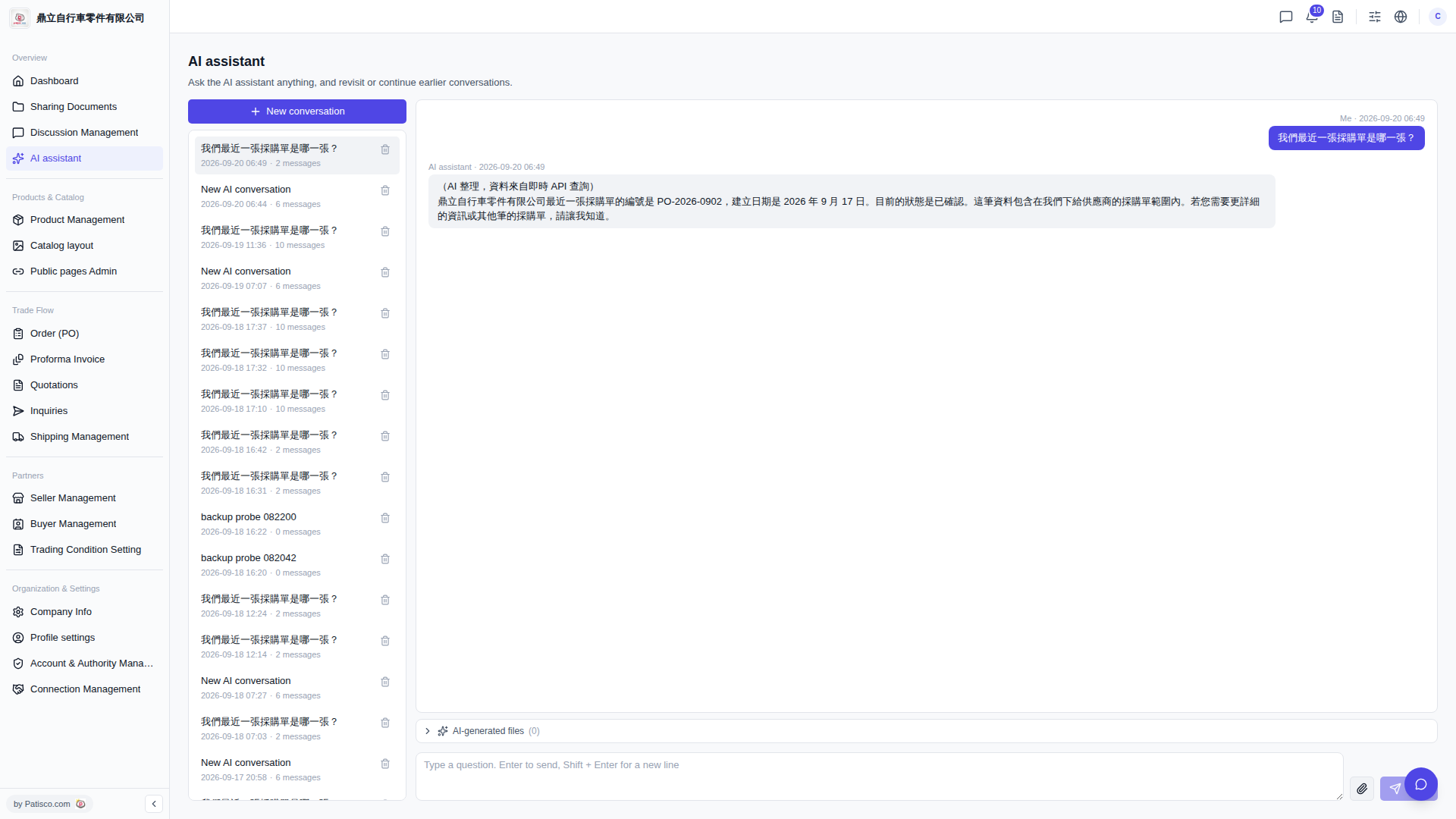 V5 新桌面版|AI assistant