
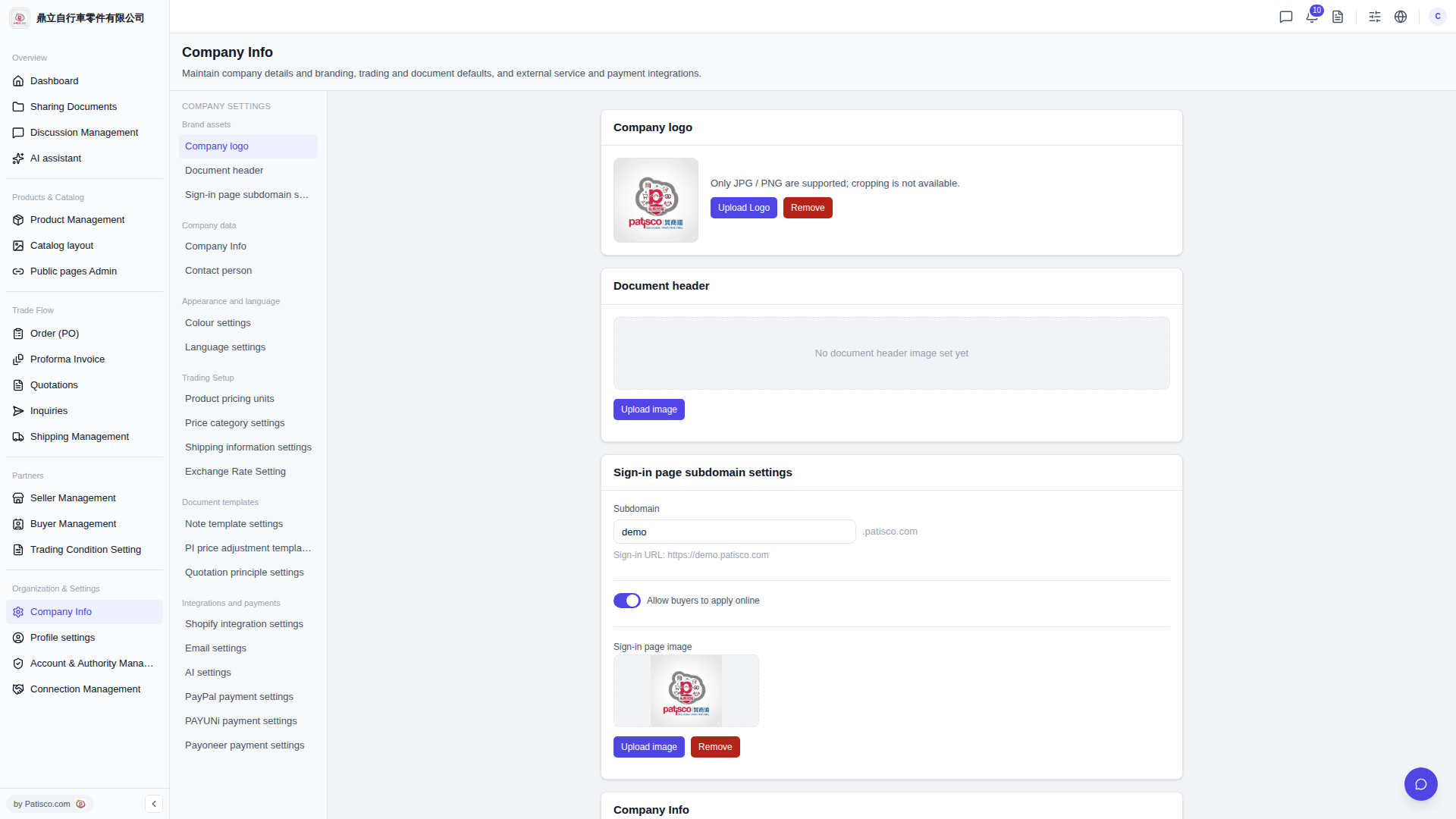
1. Click "Organization & Settings" > "Company Info" in the left sidebar. 2. Find the "Company logo" section on the right side of the page. 3. Click the "Upload Logo" button and select a JPG or PNG image to upload (the system does not support cropping after upload). 4. To remove the existing logo, click the "Remove" button in the same section.
Note: Only JPG or PNG formats are supported for upload. Other formats are not supported.
 V5 新桌面版|Company Info