
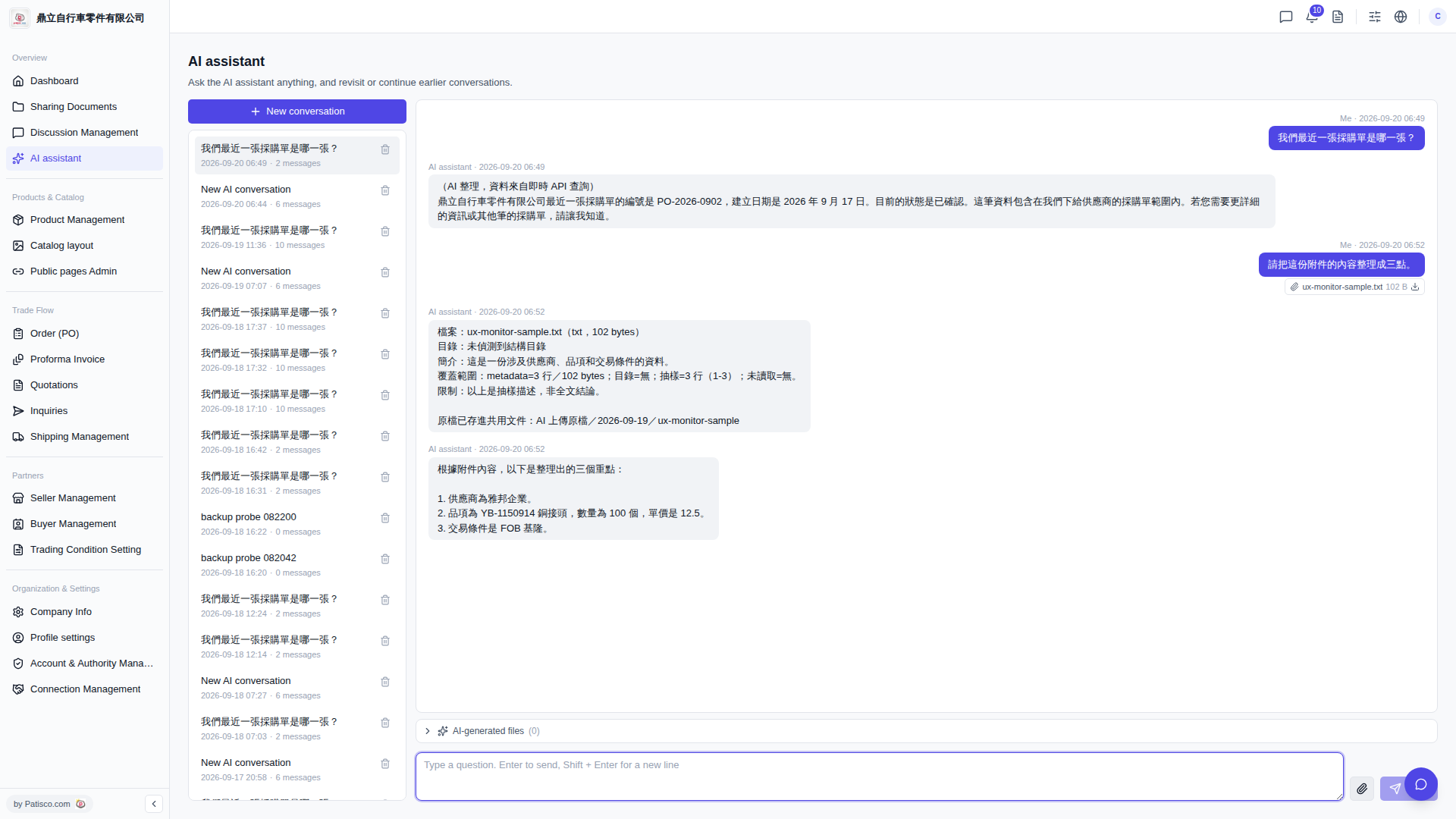
View AI-generated files: 1. Find the "AI-generated files (0)" button below the conversation main area and click it to expand and view the list of generated files.
Delete historical conversations: 1. Find the conversation you want to delete in the historical conversation list on the left. 2. Click the "trash can icon" on the right side of that conversation row to delete it.
Additional note: The input box supports Shift + Enter for line breaks, making it convenient to enter longer questions and submit them in one go.
 V5 新桌面版|AI assistant