
Yes, here's how to use each function:
Add an order 1. Click the blue "+ Add Order (PO)" button in the top right to open the form for creating a new PO.
Search for orders 1. Enter a keyword in the search bar (by default it searches by order number). 2. To use advanced filters, click "Filters" to the right of the search bar to open the filter panel.
Export data 1. Click "Download Excel" in the top right to export the current list as an Excel file.
Adjust displayed columns 1. Click the "Columns 9/14" button on the right side to select which columns to show or hide (currently 9 out of 14 columns are displayed).
Import from a document 1. Click "Import from document" in the top right to import PO data from an external file.
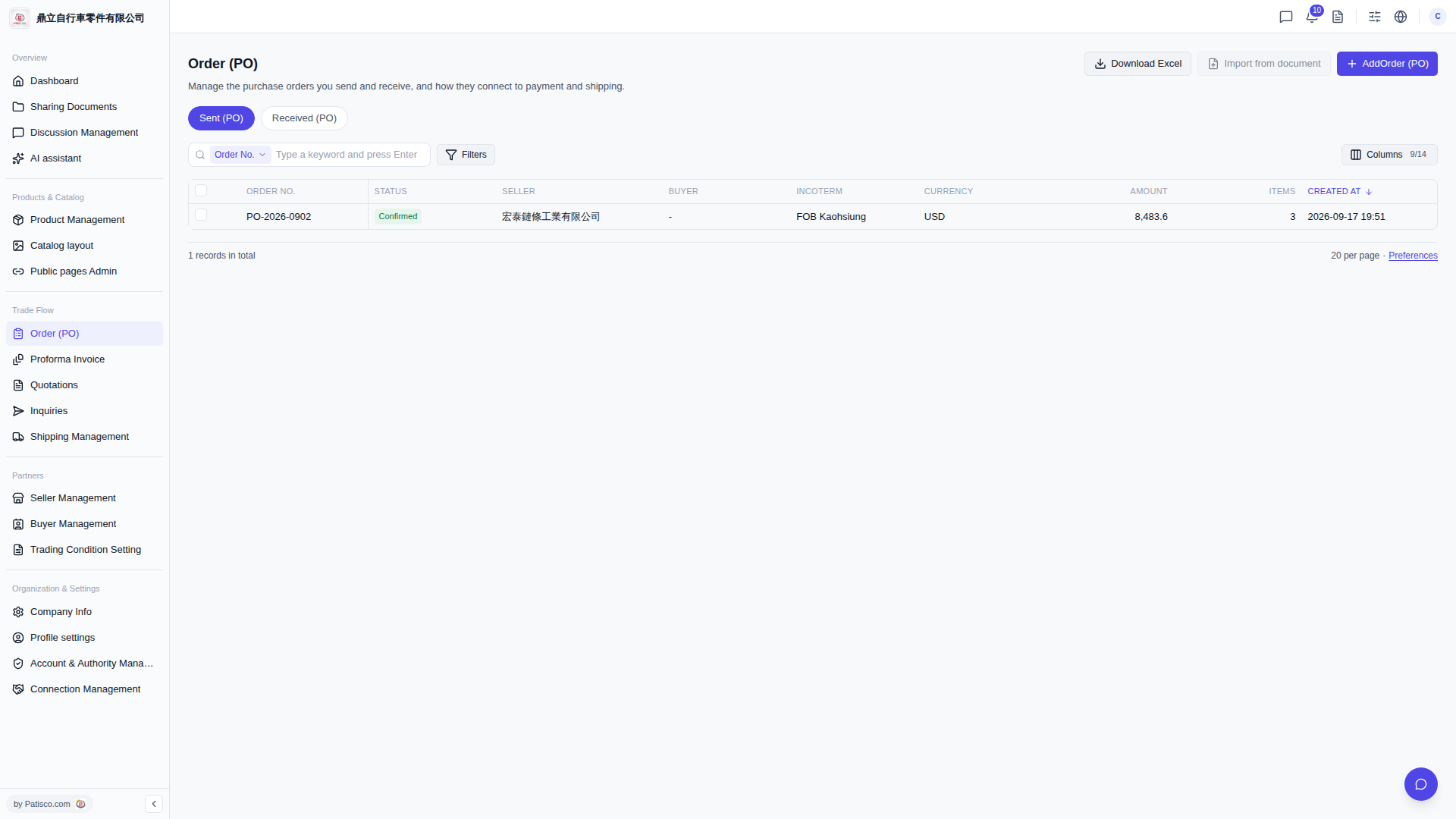 V5 新桌面版|Order (PO) - 採購訂單管理