
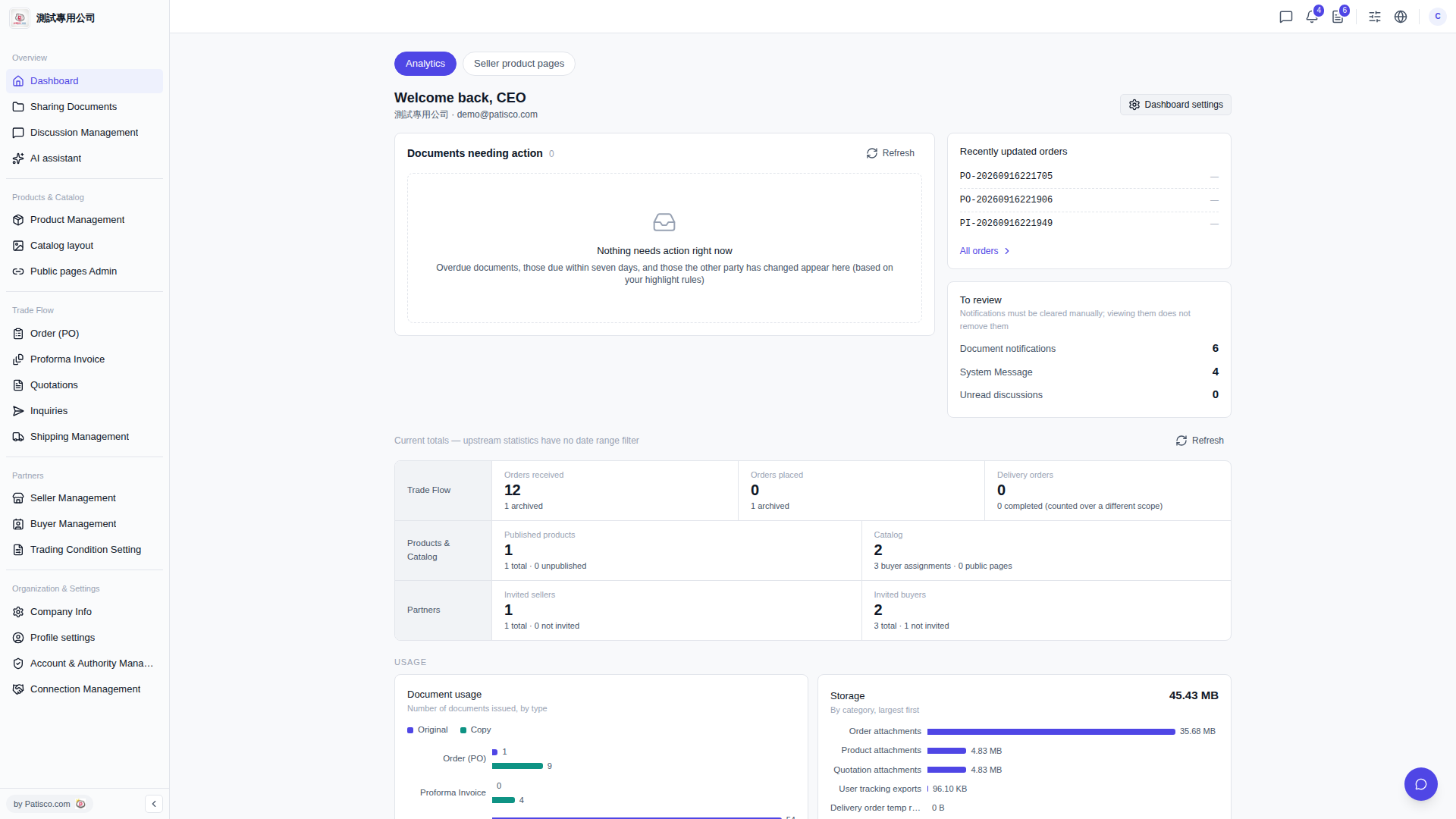
1. At the top of the page, there are two tabs: "Analytics" and "Seller product pages". Click to switch between views; the currently selected one is "Analytics". 2. The "Current totals" section displays overall data including orders, product catalogs, and partners (Orders received, Orders placed, Delivery orders, Published products, Catalog, Invited sellers, Invited buyers, Document usage, Storage). To refresh the data, click the "Refresh" button on the right side of this section. 3. If you want to customize what content the Dashboard displays, click "Dashboard settings" in the upper right corner to configure your personal preferences.
 V5 新桌面版|Dashboard(儀表板)