
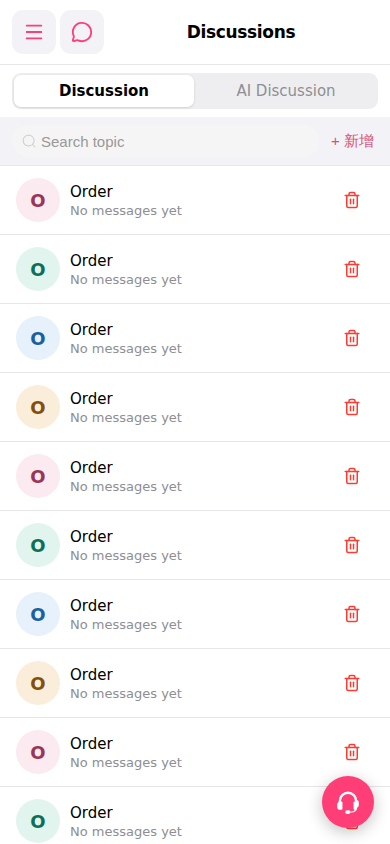
Add a new topic: 1. On the "Discussions" page, click the "+ Add" button on the right side of the search field. 2. Fill in the topic-related information and submit; the new topic will appear in the list.
AI Discussion tab: 1. Click the "AI Discussion" tab on the right side of the page header to switch to the AI discussion list, which is managed separately from the general discussion list.
Delete a topic: To delete a discussion, click the red 🗑️ trash icon on the right side of that row, then confirm the deletion operation.
 手機版|討論區(Discussions)