
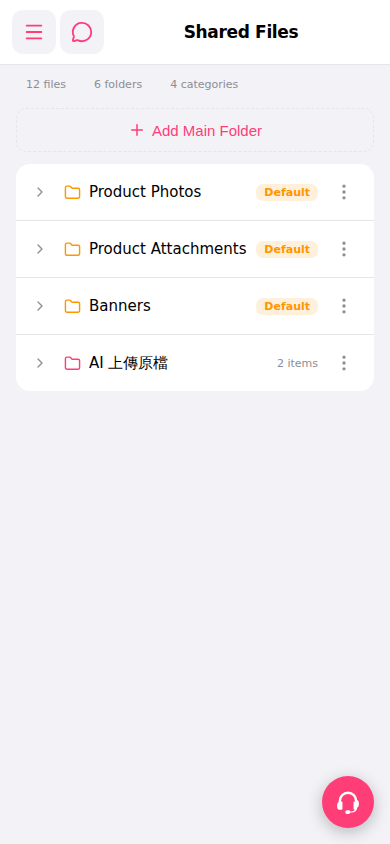
View subfolder contents: 1. Find the folder you want to view and click the expand arrow (>) on the left side of that row to expand and view subfolders or files.
Manage folders (rename, delete, etc.): 1. Find the target folder and click the three-dot menu (⋮) on the right side of that row. 2. Select the desired operation from the menu (such as rename or delete).
Note: To upload files, first use the expand arrow (>) to enter the target folder, then perform the upload action.
 手機版|共享檔案