
Yes, there are two buttons on the left side of the input field at the bottom: 1. Click the "paperclip icon" to upload attachment files to the conversation. 2. Click the "camera icon" to take a photo or upload an image from your photo library. After uploading, click the send button (paper plane icon) on the right to send.
Other common operations: - To clear the conversation and start fresh, click the "refresh (↺)" in the top right. - To leave the AI conversation, click the "back (<)" in the top left to return to the previous page.
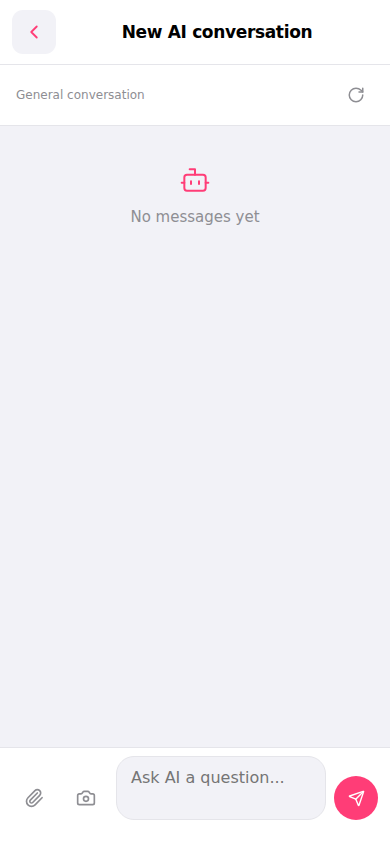 手機版|New AI conversation(新 AI 對話)