
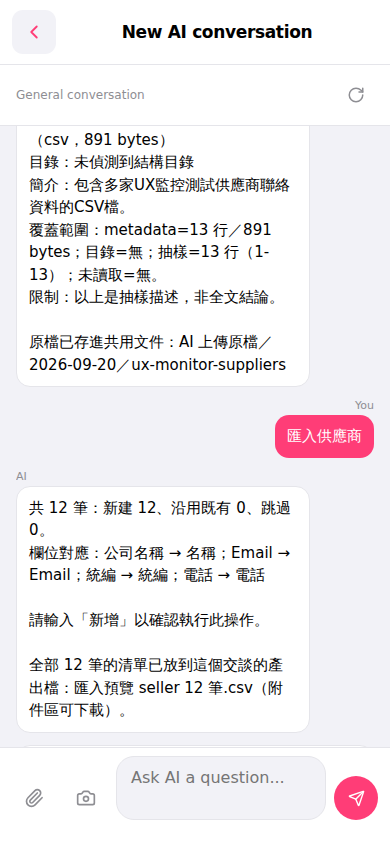
1. After the AI performs the import, it will inform you in the conversation "the list of all 12 records has been placed in the output file of this conversation." 2. Find the conversation attachment area and click "Import Preview seller 12 records.csv" to download and view all import results. 3. If you need to refresh the conversation content, you can click the "refresh (↺ icon)" in the top right to reload the page.
 手機版|New AI conversation