
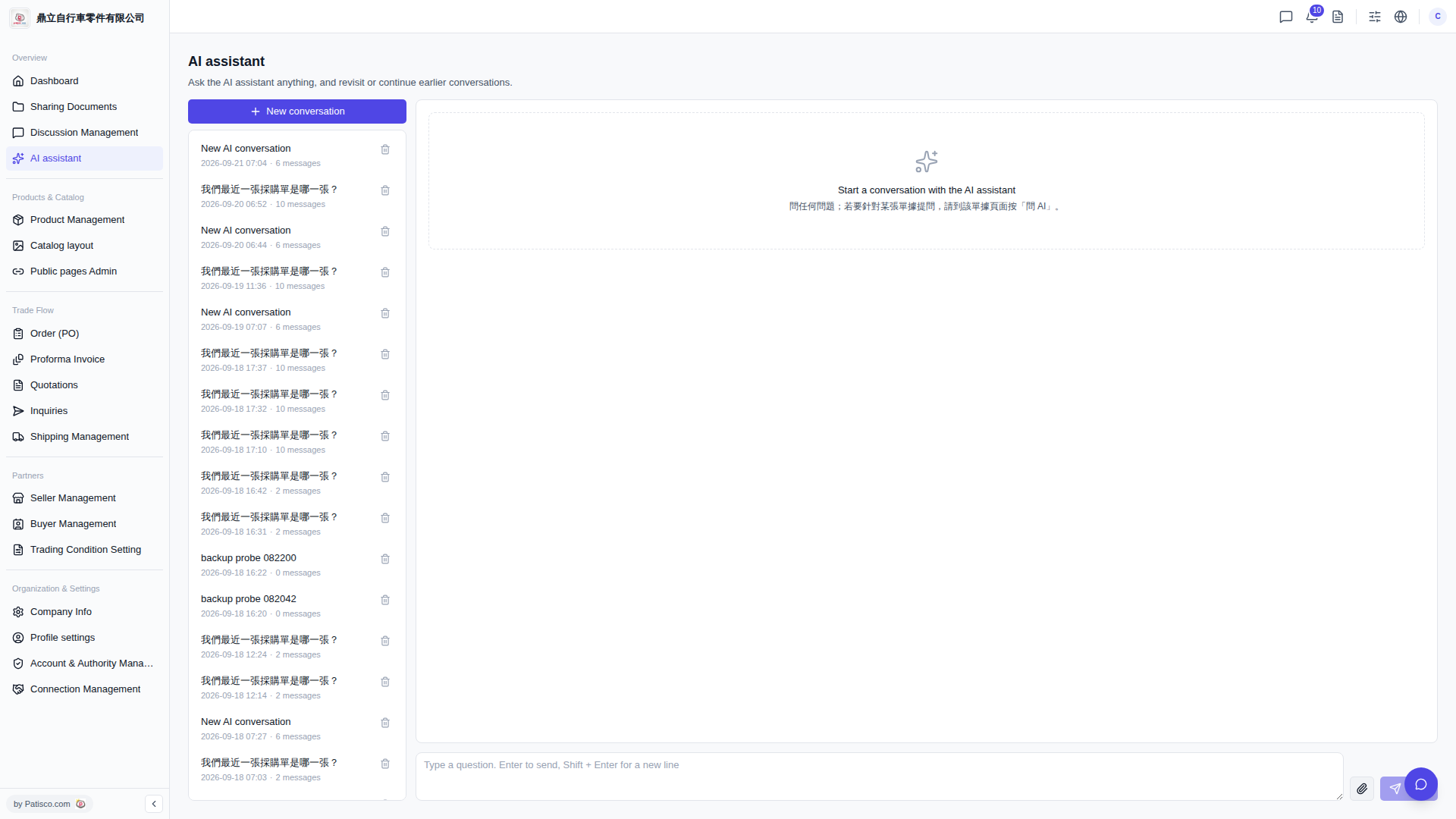
1. After visiting Patisco V5 in your browser, click "AI assistant" in the left menu to open the AI assistant page. 2. Click the "+ New conversation" button in the top left to create a new AI conversation. 3. A text input box will appear at the bottom of the main area on the right. Type your question directly into the input box. 4. Press the Enter key to send your question (if you need to insert a line break, press Shift + Enter). 5. The AI assistant will automatically display the reply in the conversation area on the right.
 V5 新桌面版|AI assistant