
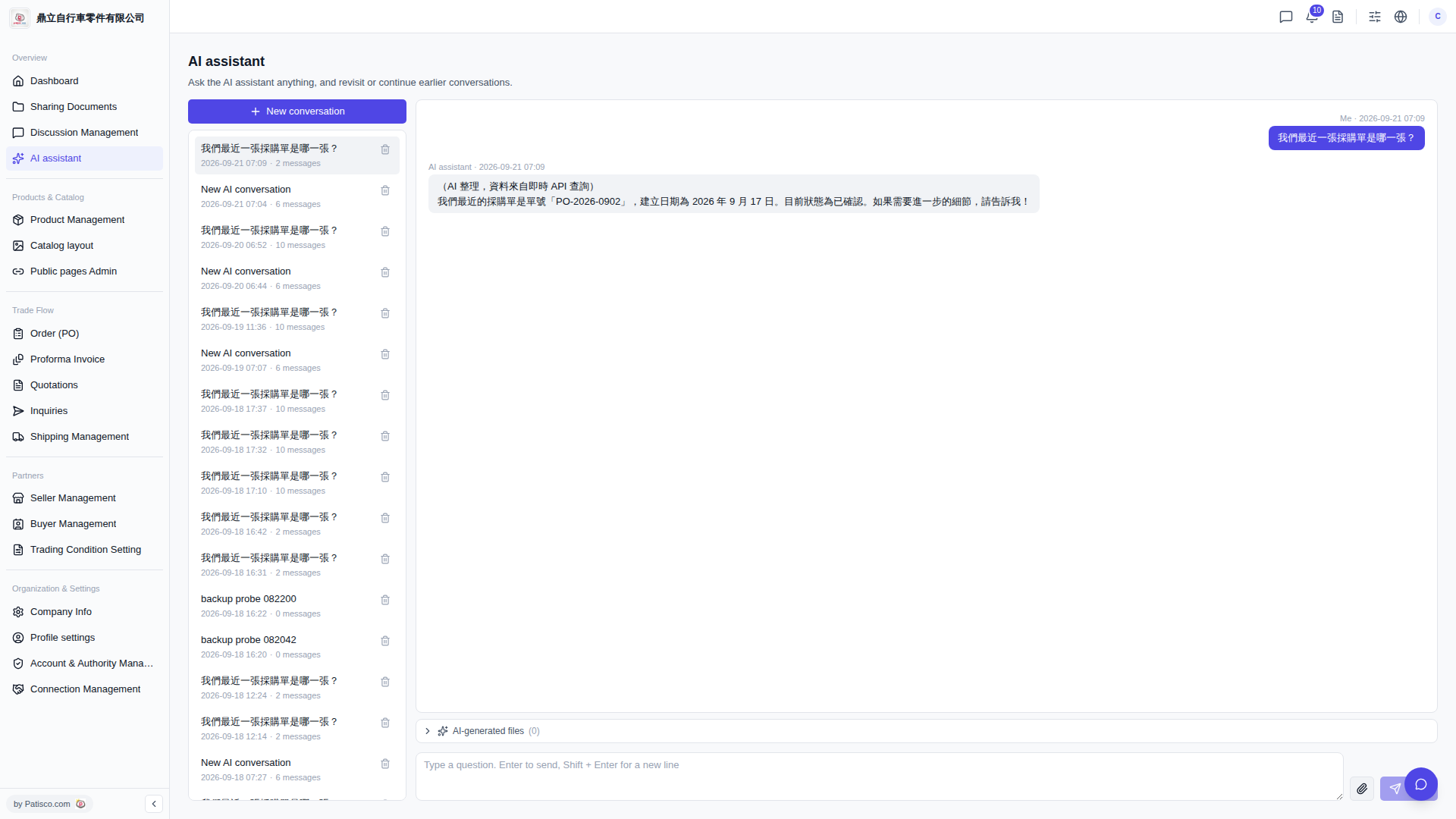
1. Click any historical record in the conversation list on the left sidebar to reopen that conversation and view the complete content. 2. To delete a conversation, hover your mouse over the record on the right side and click the "trash icon" to delete that chat record. 3. To view files generated by the AI, click "AI-generated files (0)" at the bottom of the conversation area to expand and view.
Known issue: In the current online version, the screen may appear blank after the AI responds and the input box may be locked. You will need to manually refresh the page to see the response content. This will be fixed in a future version.
 V5 新桌面版|AI assistant