
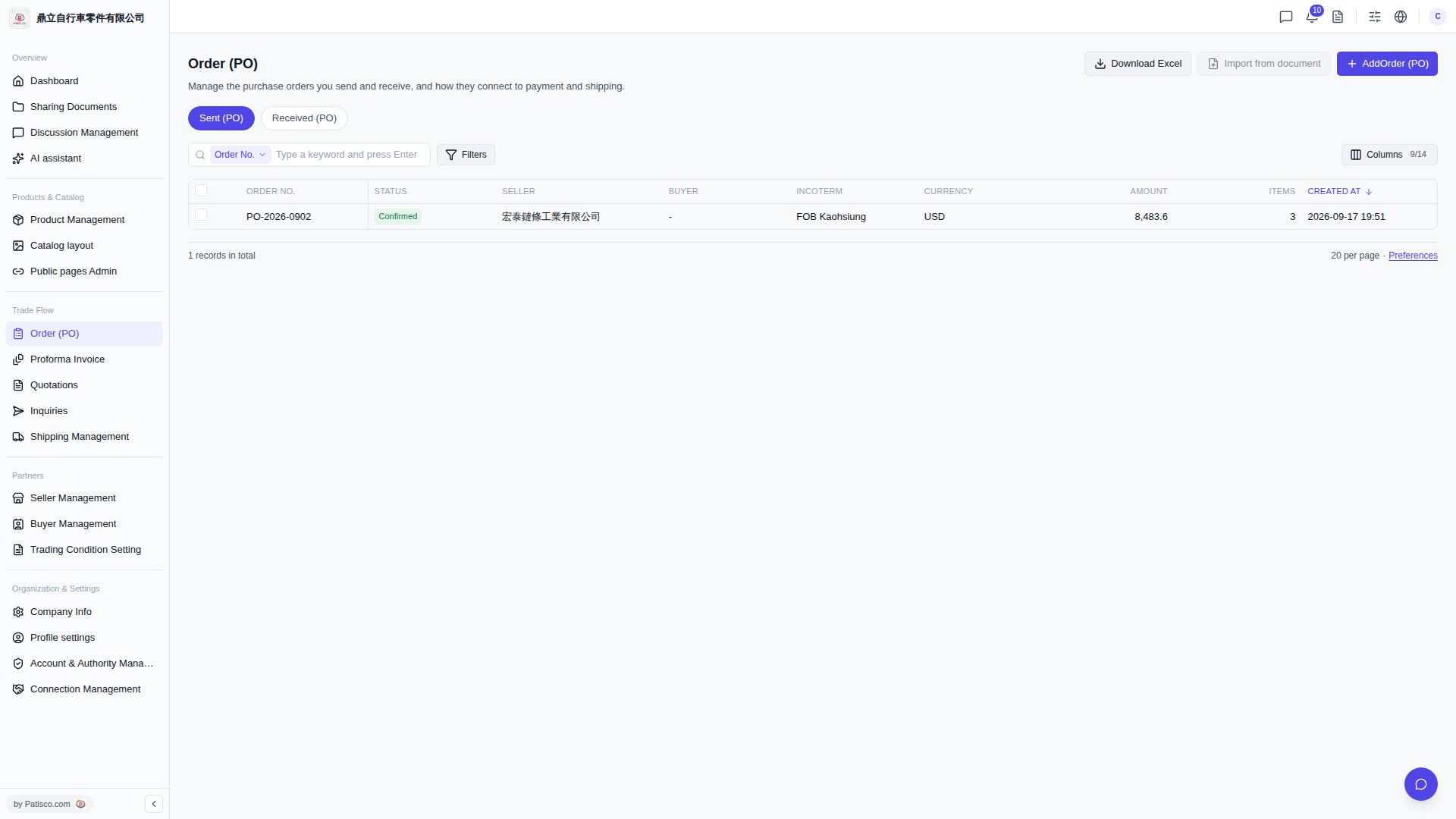
1. In the left sidebar, find the "Trade Flow" section and click "Order (PO)" to enter the PO management page. 2. At the top of the page, there are two tabs you can switch between: "Sent (PO)" shows the orders you have sent, and "Received (PO)" shows the orders you have received. 3. In the top right corner, there are three main action buttons: "+ AddOrder (PO)" to create a new order, "Import from document" to import data from a file, and "Download Excel" to export the current list. 4. The "Filters" button to the right of the search bar can expand more filtering options; "Columns 9/14" lets you customize which columns to display in the table; "Preferences" lets you set preferences such as the number of items per page.
 V5 新桌面版|Order (PO) - 採購訂單管理