
Adding an order: 1. After entering the "Order (PO)" page, click the blue "+ AddOrder (PO)" button in the top right. 2. Fill in the order-related information (such as Seller, Buyer, Incoterm, Currency, Amount, etc.) and save.
Searching for an order: 1. Type keywords in the search box (by default, it searches by Order No.). 2. For more precise conditions, click "Filters" on the right side of the search bar to expand the filter panel, set the desired conditions, and filter the results. 3. Once you find the target order, click on that row to open the order details page to view or edit it.
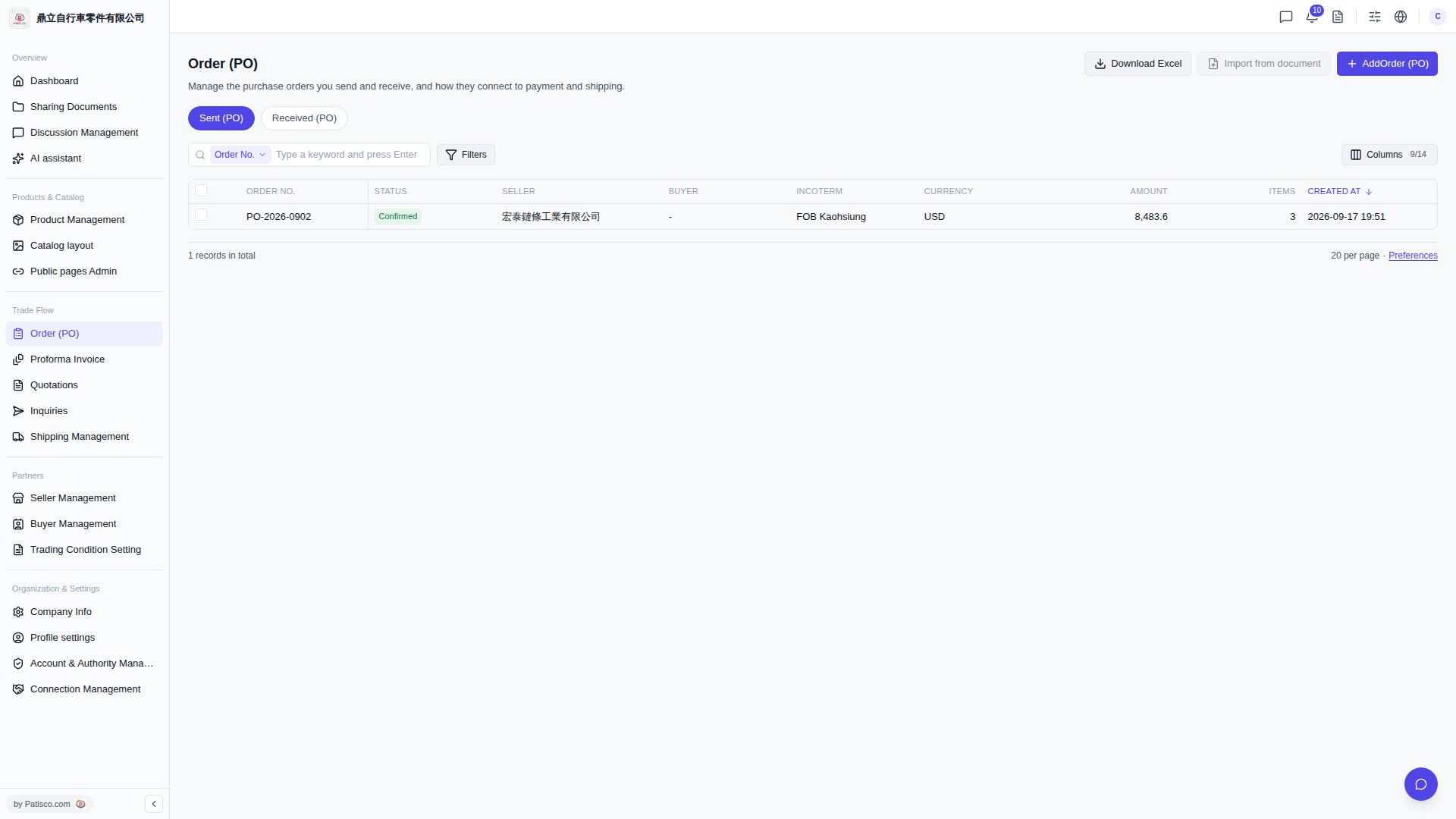 V5 新桌面版|Order (PO) - 採購訂單管理