
1. Click "Quotations" in the left sidebar to enter the "Quotations" management page. 2. At the top of the page, there is a label bar with two switching options: click "Sent" to view sent quotations, or click "Received" to view received quotations. 3. The list columns include QUOTATION NUMBER, BUYER, CURRENCY, VALIDITY, STATUS, CREATED DATE, and other information. Click any row (for example, QT-2026-0411) to open the details of that quotation.
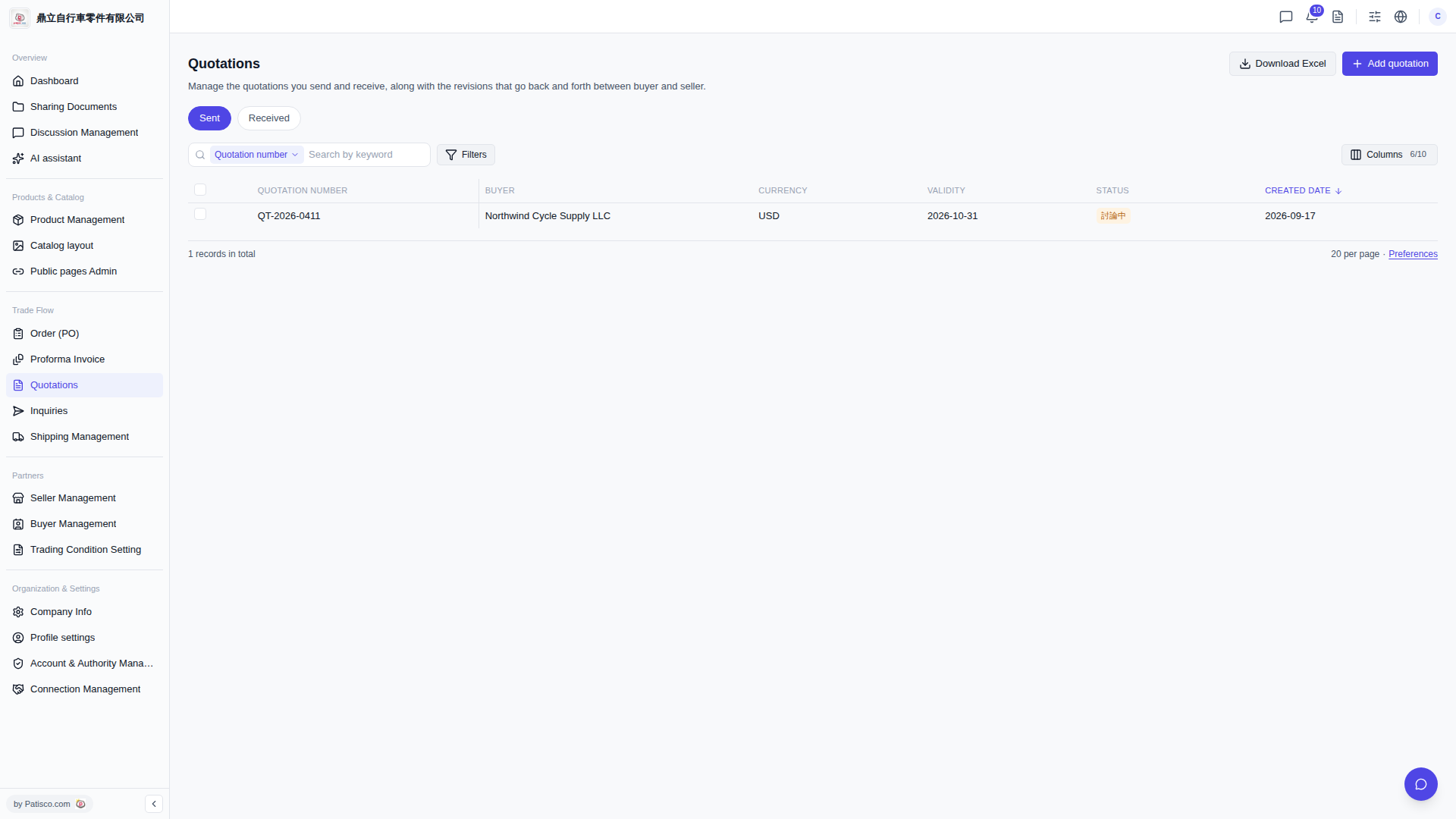 V5 新桌面版|Quotations(報價單管理)