
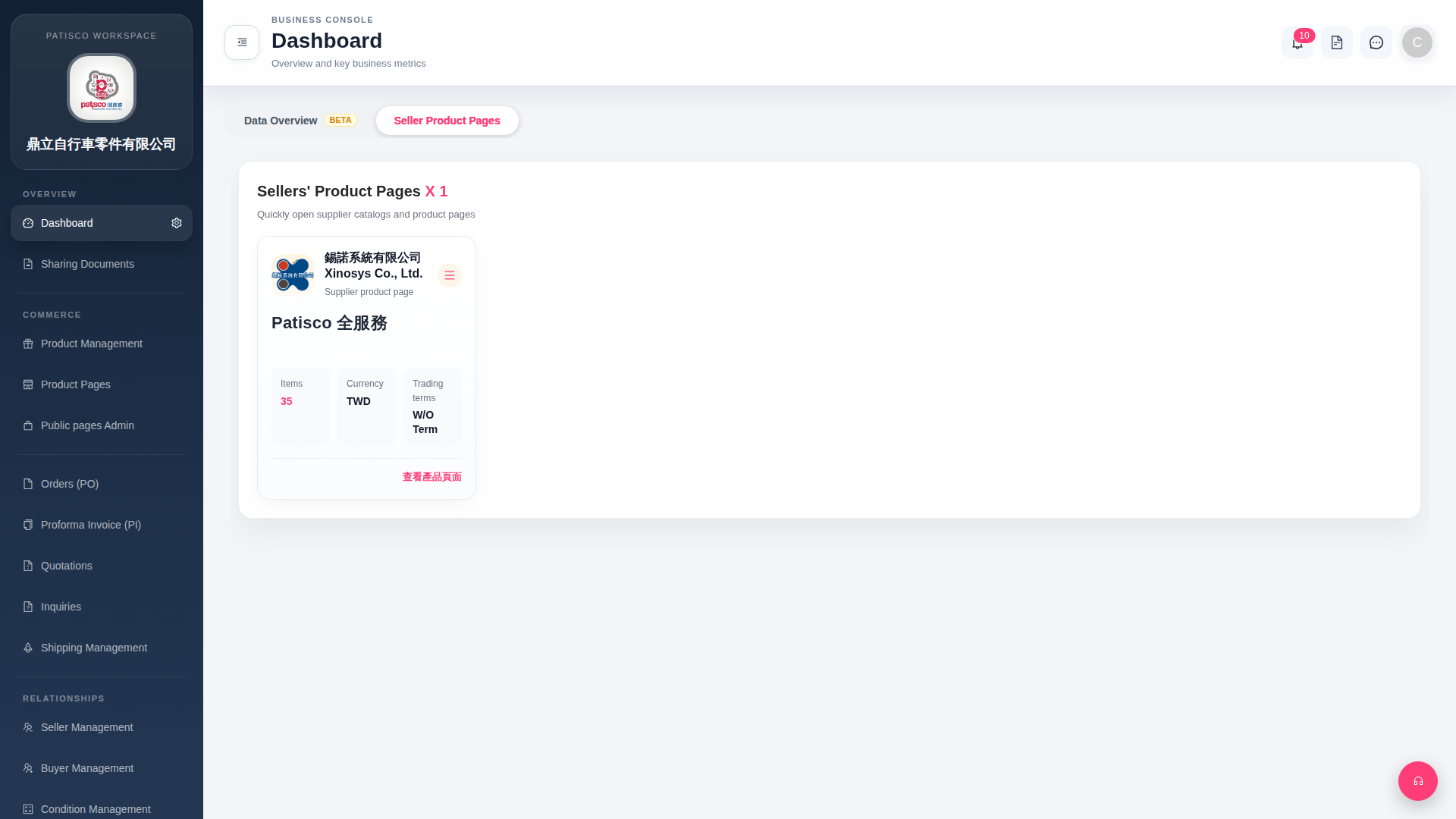
1. After login, the system automatically enters the Dashboard page. 2. The tab bar at the top of the page has two tabs: "Seller Product Pages" and "Data Overview BETA". 3. Click "Seller Product Pages" to view a list of seller product page cards, with each card displaying seller name, Items (product count), Currency, and Trading terms information. 4. Click "Data Overview BETA" to switch to the data overview page where you can view key business metrics and statistical data.
 G4 桌面版|Dashboard