
1. Under the "Seller Product Pages" tab, locate the seller card you want to operate on. 2. Click "View Product Page" at the bottom right of the card to open the seller's product catalog page directly. 3. Click the "≡" icon in the top right corner of the card to expand a menu with more options (such as edit, delete, etc.). 4. If the bell icon in the top right corner displays a number (currently 10), it indicates unread notifications; click it to view the latest system or business alerts.
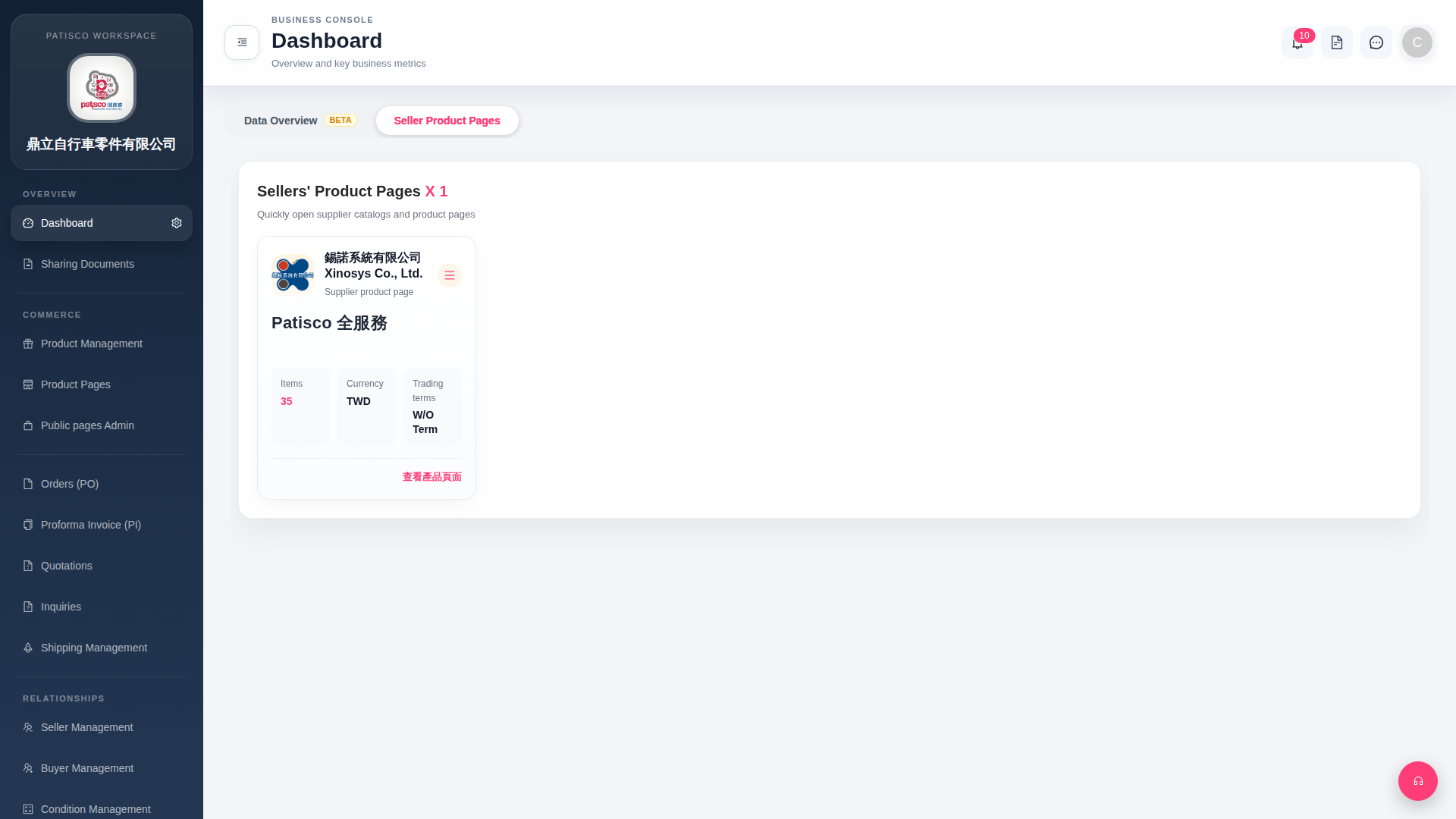 G4 桌面版|Dashboard