
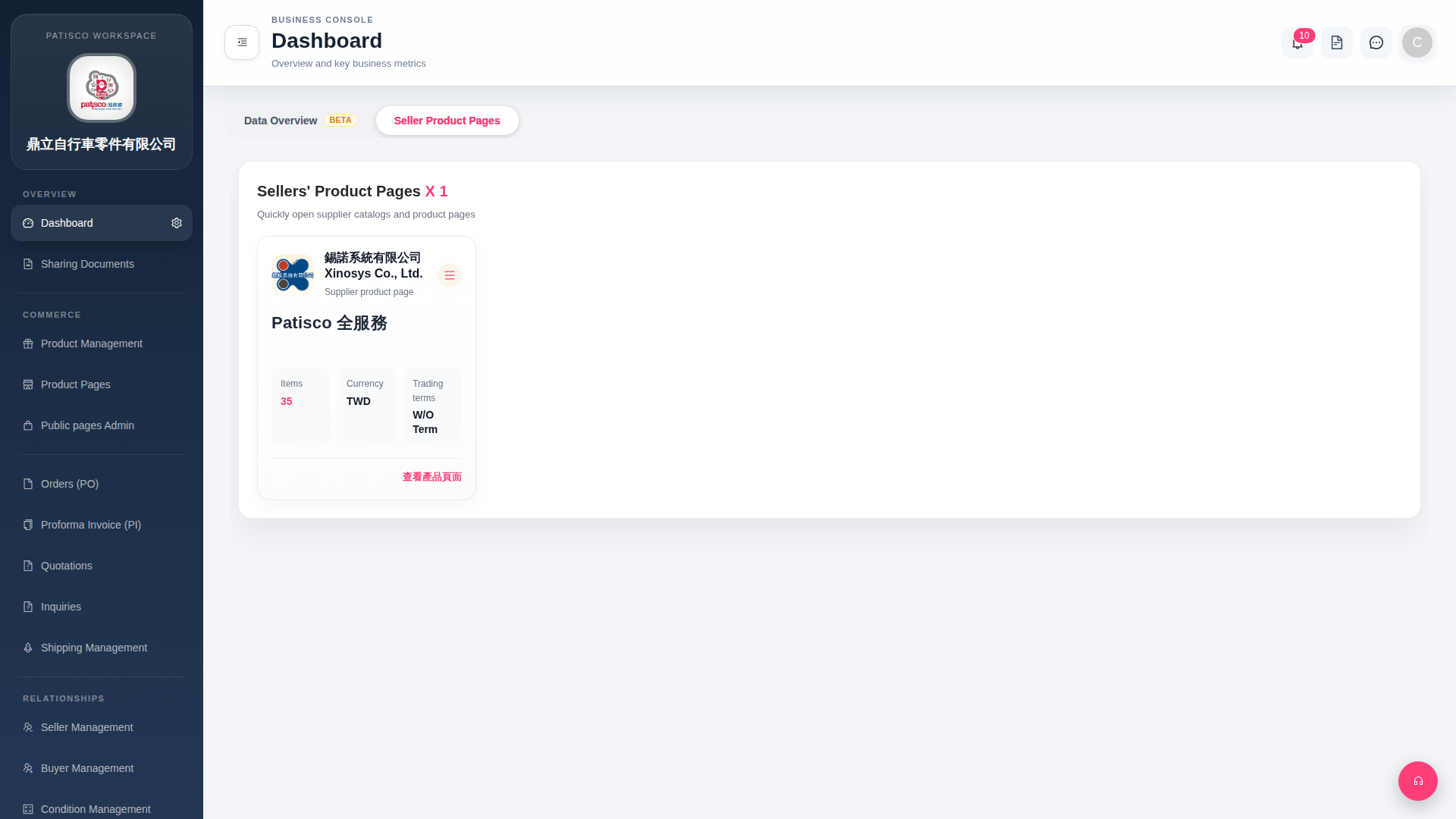
1. After logging in, the system will automatically enter the Dashboard page. 2. At the top of the page there are two tabs: "Data Overview BETA" and "Seller Product Pages". 3. Click the "Seller Product Pages" tab to view the list of linked suppliers. 4. On each supplier card you can confirm Items (number of items), Currency, Trading terms (trading conditions) and other basic information. 5. To browse the complete catalog further, click "View Product Page" in the bottom right corner of the card, and you will be redirected to that supplier's product page.
 G4 桌面版|Dashboard