
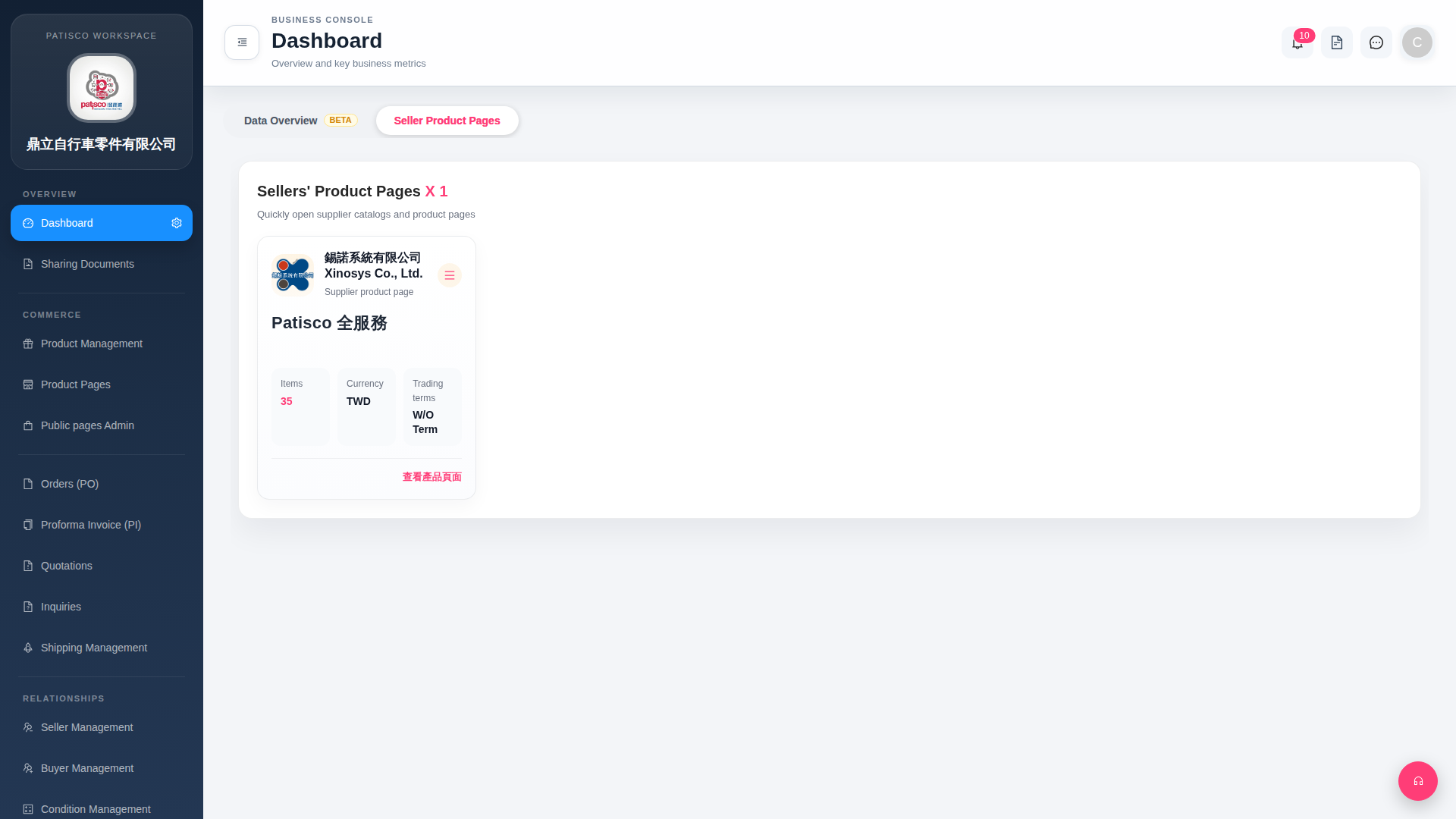
1. Find the target supplier card in the "Seller Product Pages" tab. 2. Click the "≡ (hamburger menu)" icon in the top right corner of the card to expand more operation options (such as edit, delete, etc.). 3. If you want to view business key performance indicators instead, you can switch back to the "Data Overview BETA" tab at the top of the tab bar.
 G4 桌面版|Dashboard