
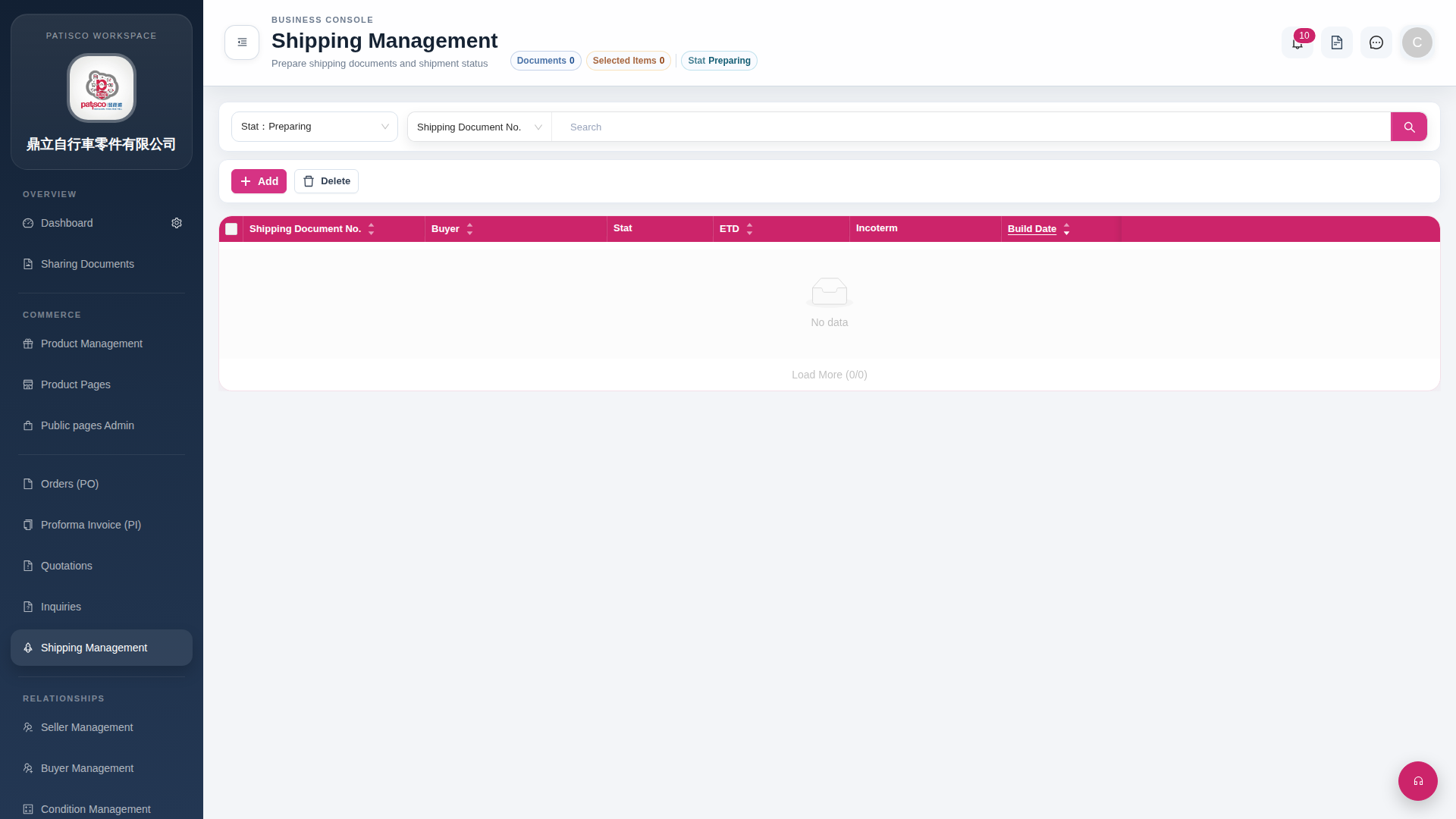
1. Click "Shipping Management" in the left sidebar to open the Shipping Management page. 2. At the top left of the page there are "Add" and "Delete" buttons to add or delete shipping documents. 3. The "Stat: Preparing" filter on the left side of the search bar can switch shipping statuses. The "Shipping Document No." in the middle allows you to select the search field type, enter keywords, and click the magnifying glass button to execute the search.
 G4 桌面版|Shipping Management