
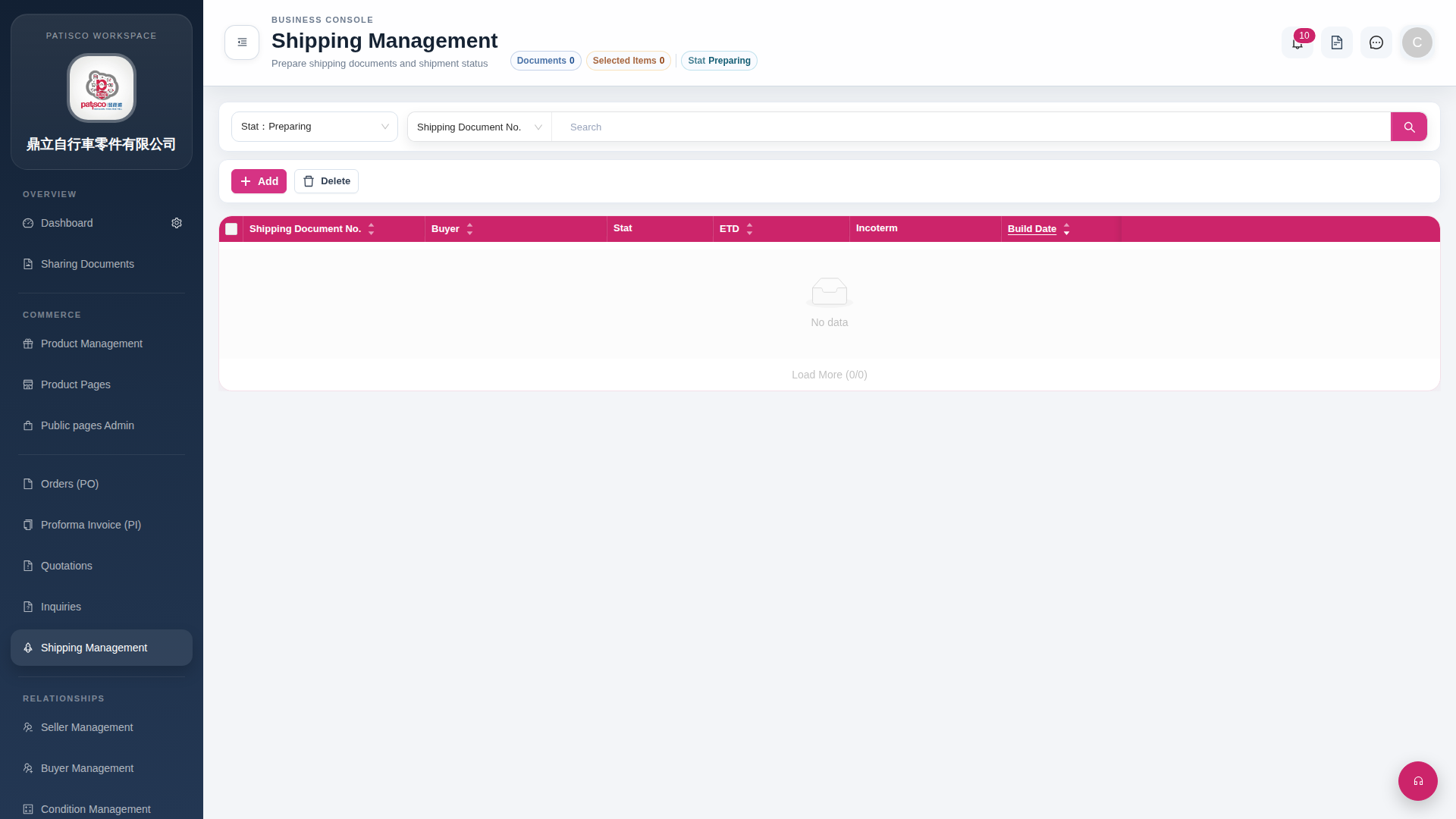
1. Filter by shipping status: Click the "Stat: Preparing" filter on the left side of the search bar, select the desired status (such as Preparing, Shipped, etc.), and the list will automatically filter. 2. Search by document number: Confirm that the search bar displays "Shipping Document No.", enter keywords, and click the magnifying glass button on the right to execute the search. 3. The tab bar below the page title displays the current number of items (such as "Documents 0") and filter status (such as "Stat Preparing"), allowing you to quickly confirm your search results.
 G4 桌面版|Shipping Management