
【Add a Discussion Topic】 1. On the "Discussions" page, click the "+ Add" button on the right side of the search bar. 2. Fill in the relevant information for the topic and save it. The new topic will appear in the list.
【Switch to AI Discussion Mode】 1. Click the "AI Discussion" tab label at the top right of the page to switch to AI discussion mode.
【Search for a Specific Topic】 1. Click the search bar above and enter keywords (Search topic) to filter topics.
【Delete a Discussion Topic】 1. Find the topic you want to delete and click the red trash can icon on the right side of that row. Confirm the deletion to remove it.
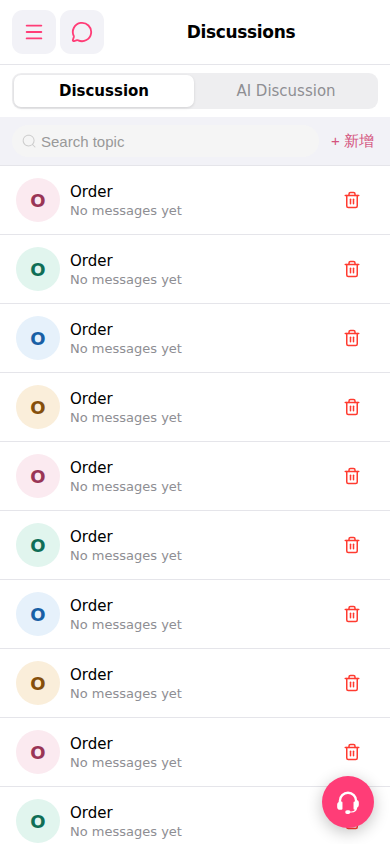 手機版|討論區(Discussions)