
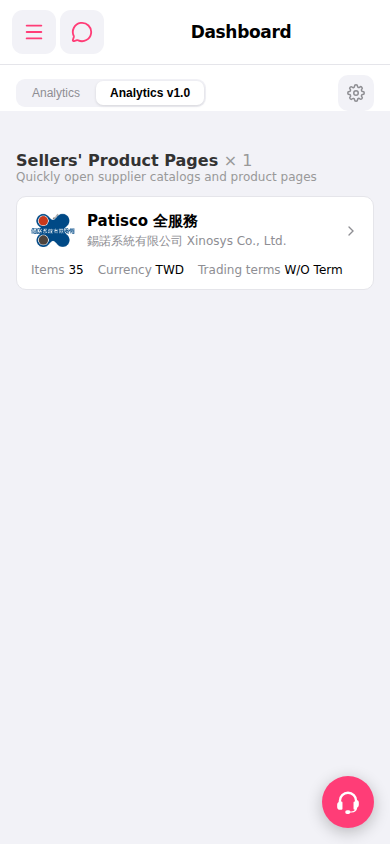
1. Open mobile Patisco and go to the "Dashboard" page. 2. Make sure the tab at the top has switched to "Analytics v1.0" (the currently selected tab). 3. Scroll down to find the "Sellers' Product Pages" section and view the supplier cards. 4. Click on the "Patisco 全服務" card (with a > arrow on the right) to enter that supplier's product catalog page.
 手機版|Dashboard