
【Adding a Quotation】 1. Go to the "Quotations" page and click the orange "+ Add" button in the upper left of the list. 2. Fill in the quotation details (such as Quotation No., Buyer, Incoterm, Currency, Validity, etc.) and save.
【Exporting to Excel】 1. On the "Quotations" page, click the "Download Excel." button in the upper right of the list. 2. The system will download the quotation data as an Excel file.
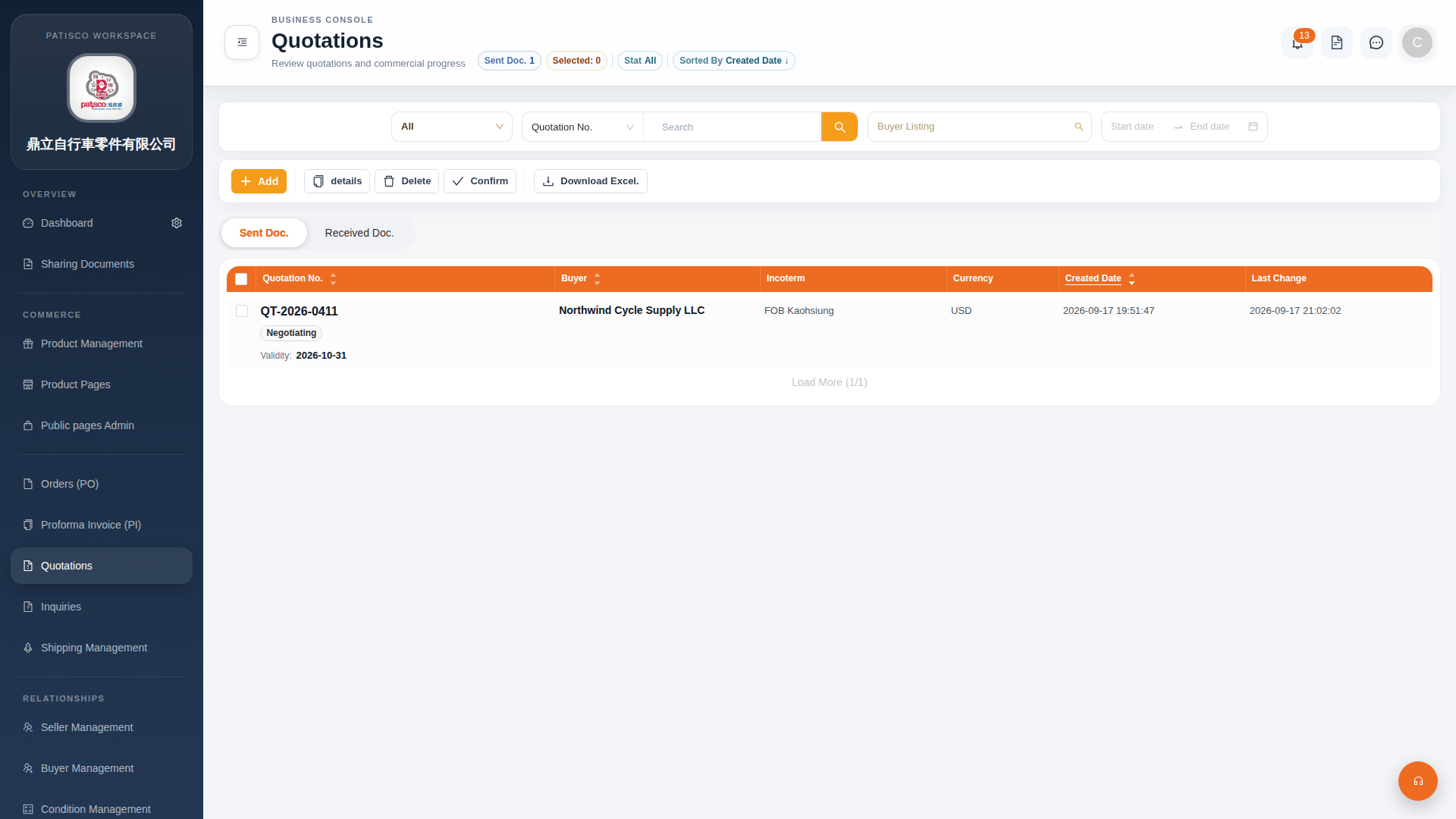 G4 桌面版|Quotations(報價單管理)