
1. Go to the "Discussions" page and confirm you are on the "Discussion" tab. 2. Add topic: Click the "+ Add" button to the right of the search bar, fill in the topic name as prompted, and submit. 3. Enter discussion: Click directly on any topic item in the list to enter that topic's discussion page and view or send messages. 4. To use AI-assisted discussions, click the "AI Discussion" tab at the top to switch modes. 5. To delete a topic, click the 🗑️ trash icon on the far right of that row and confirm the deletion.
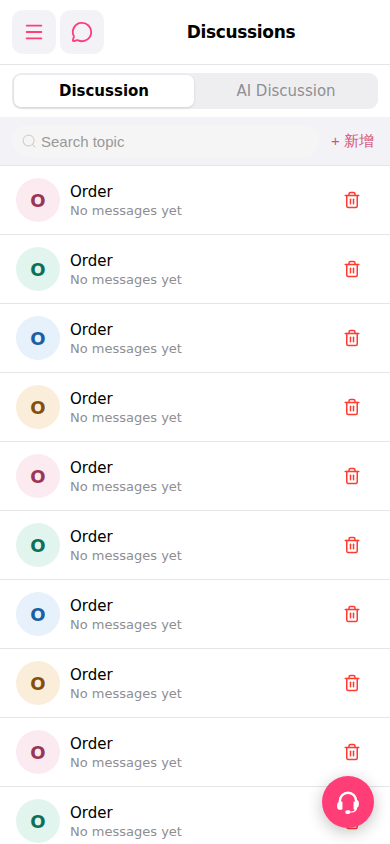 手機版|討論區(Discussions)