
1. Click the "⚙️" gear icon on the top right to open Dashboard settings and adjust the page display content and layout. 2. Click the "🎧" headphone icon floating in the bottom right to open customer support chat and directly contact the Patisco support team. 3. To switch the analytics view, click the "Analytics" or "Analytics v1.0" tab at the top of the page.
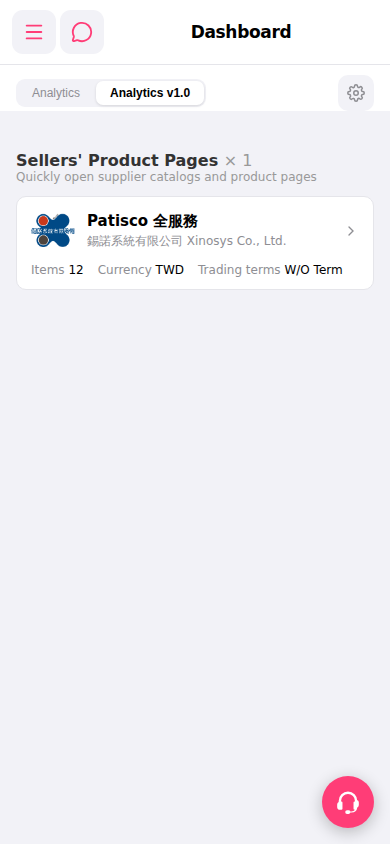 手機版|Dashboard