
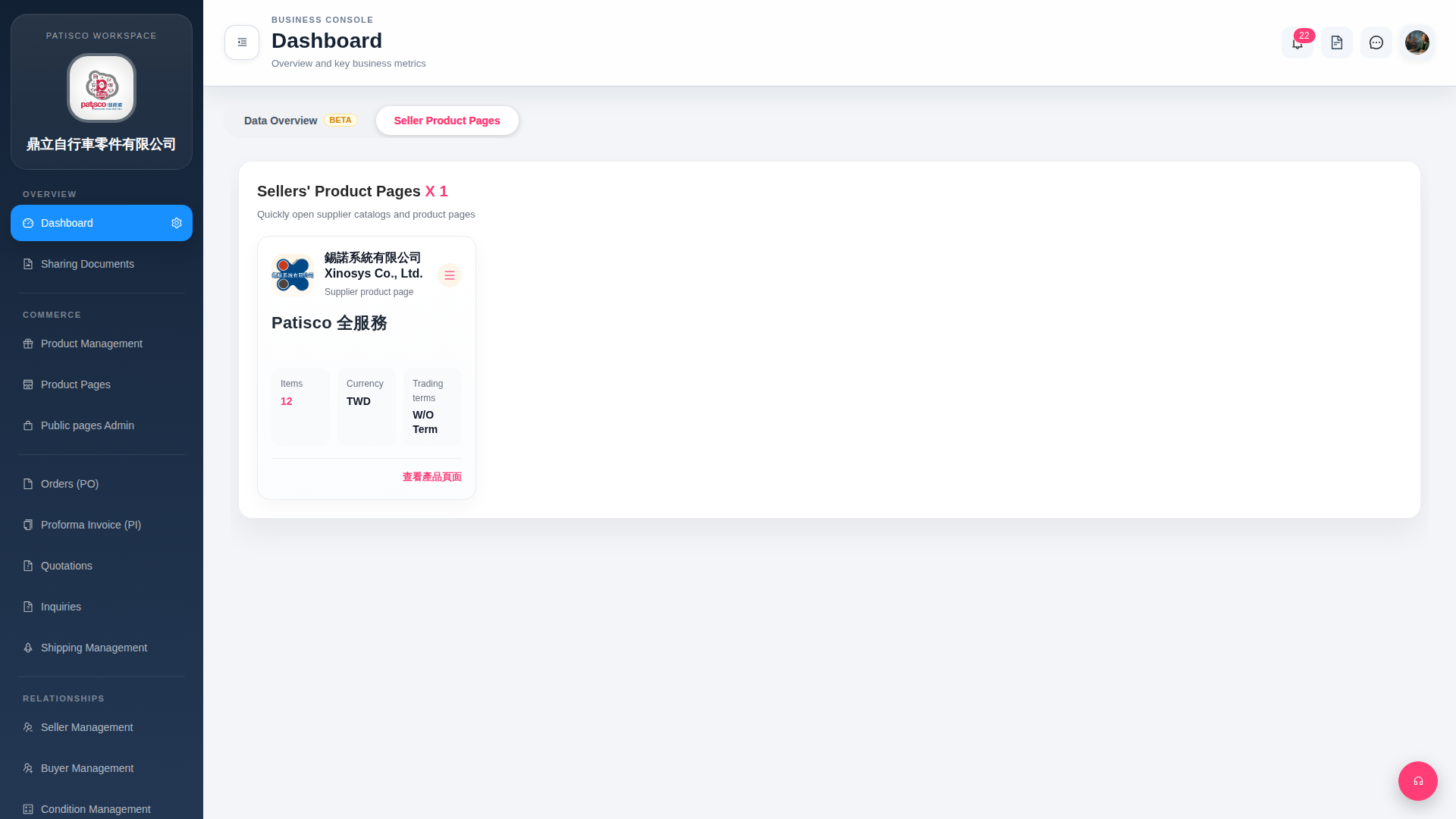
1. "View Product Page" at the bottom right of the card directly redirects to the supplier's product catalog page for browsing merchandise. 2. The "≡" (hamburger menu) at the top right of the card opens more action options for that supplier, such as editing or deleting and other advanced functions. 3. If you need to view key business indicators (such as performance data), you can switch to the "Data Overview BETA" tab at the top of the page.
 G4 桌面版|Dashboard