
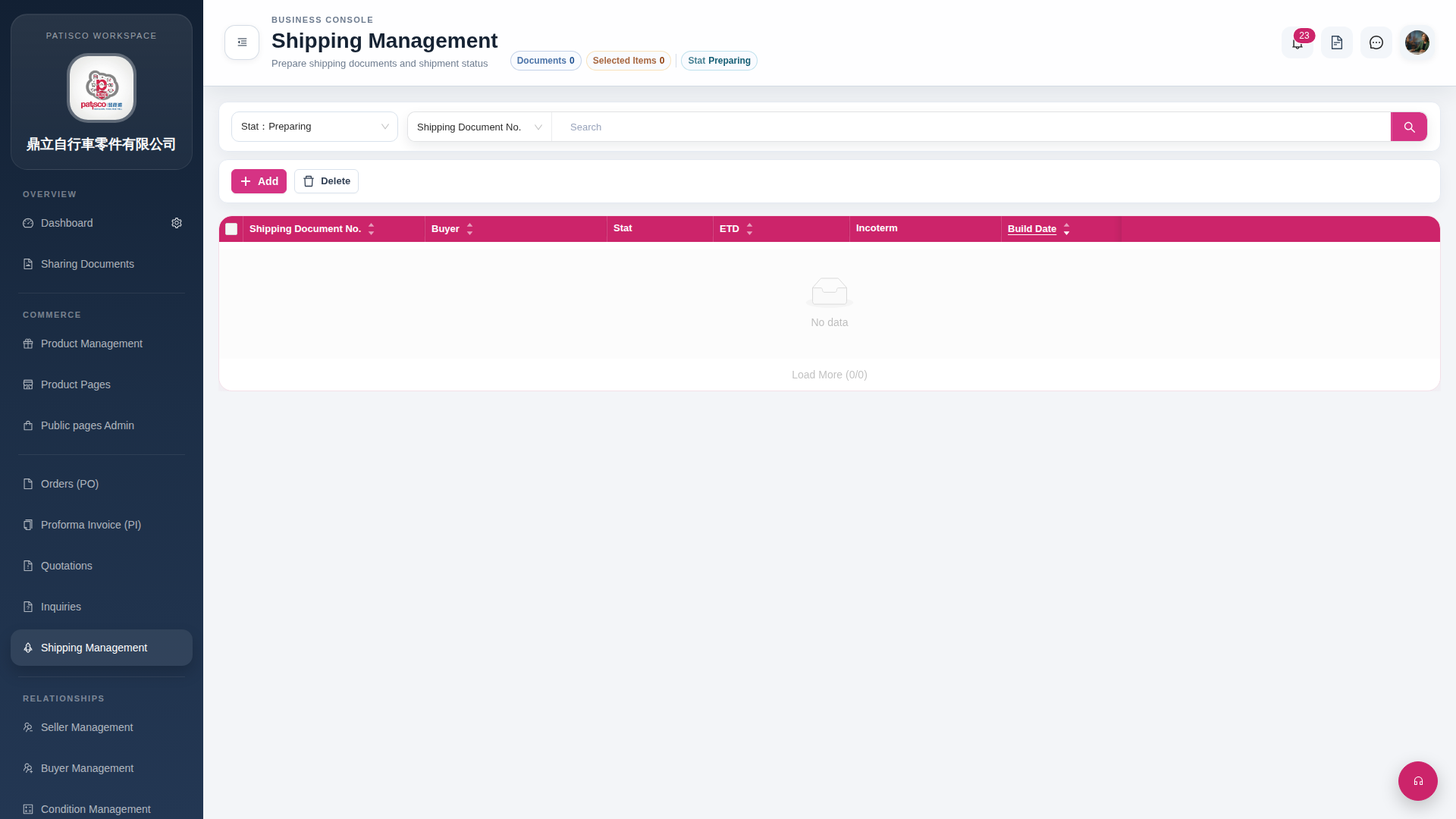
Search: 1. Enter keywords in the search bar at the top of the page (for example, Shipping Document No.). 2. Click the magnifying glass button on the right side of the search bar to execute the search.
Delete: 1. Check the checkbox at the front of the shipping document row you want to delete in the list; after checking, the "Selected Items" number at the top will update. 2. Click the "Delete" button at the top left of the list to delete the selected documents.
> Tip: The "Documents 0" and "Selected Items 0" in the page tab list will display the current total number of documents and the number of selected items in real time, which can serve as a reference for confirming operations.
 G4 桌面版|Shipping Management