
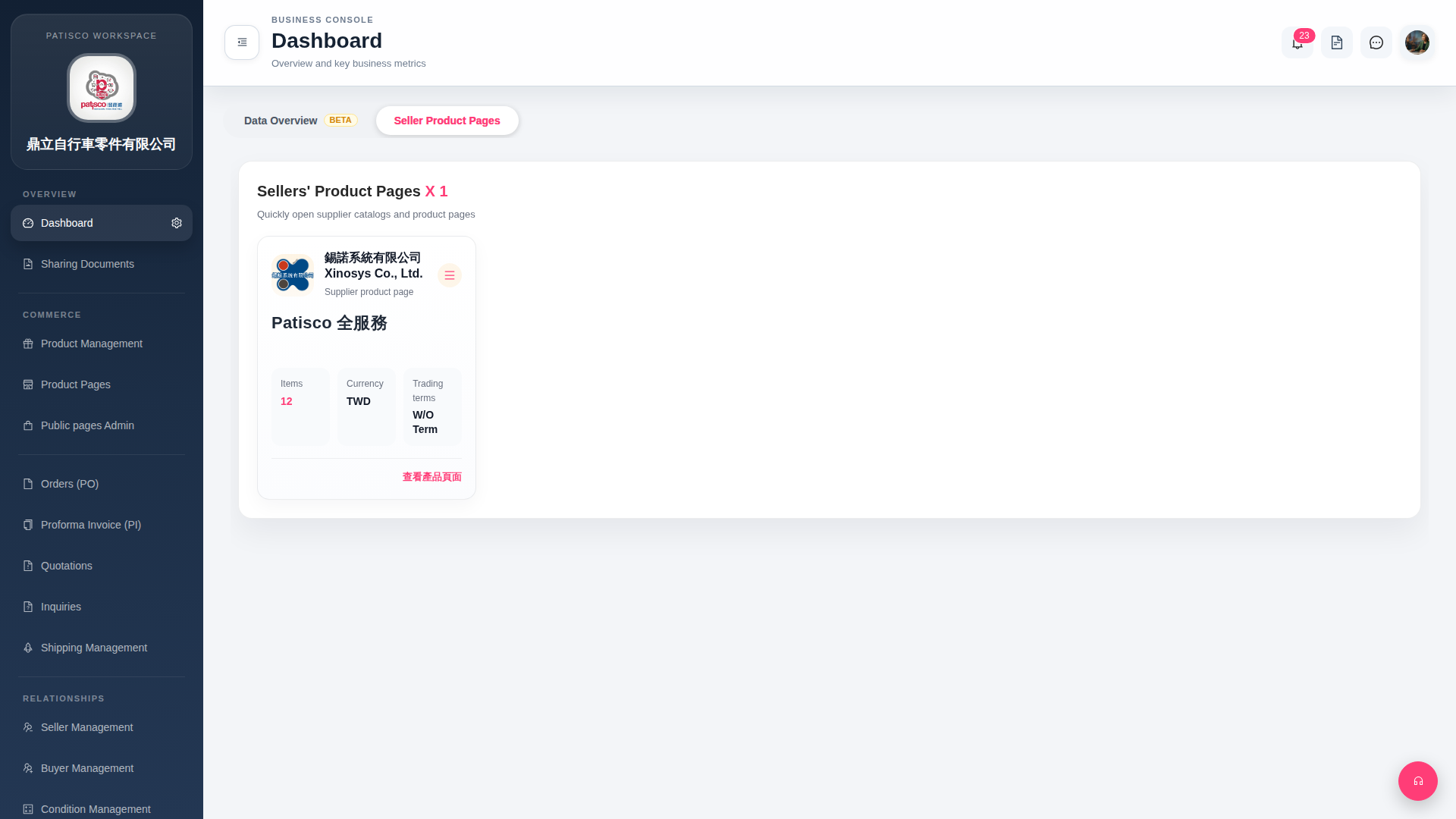
1. After entering Dashboard, the system defaults to the "Seller Product Pages" tab, displaying a list of your linked supplier product pages. 2. Each supplier card displays basic information such as item quantity (Items), currency (Currency), and trading terms. 3. To switch to data overview, click the "Data Overview (BETA)" tab at the top of the page.
 G4 桌面版|Dashboard