
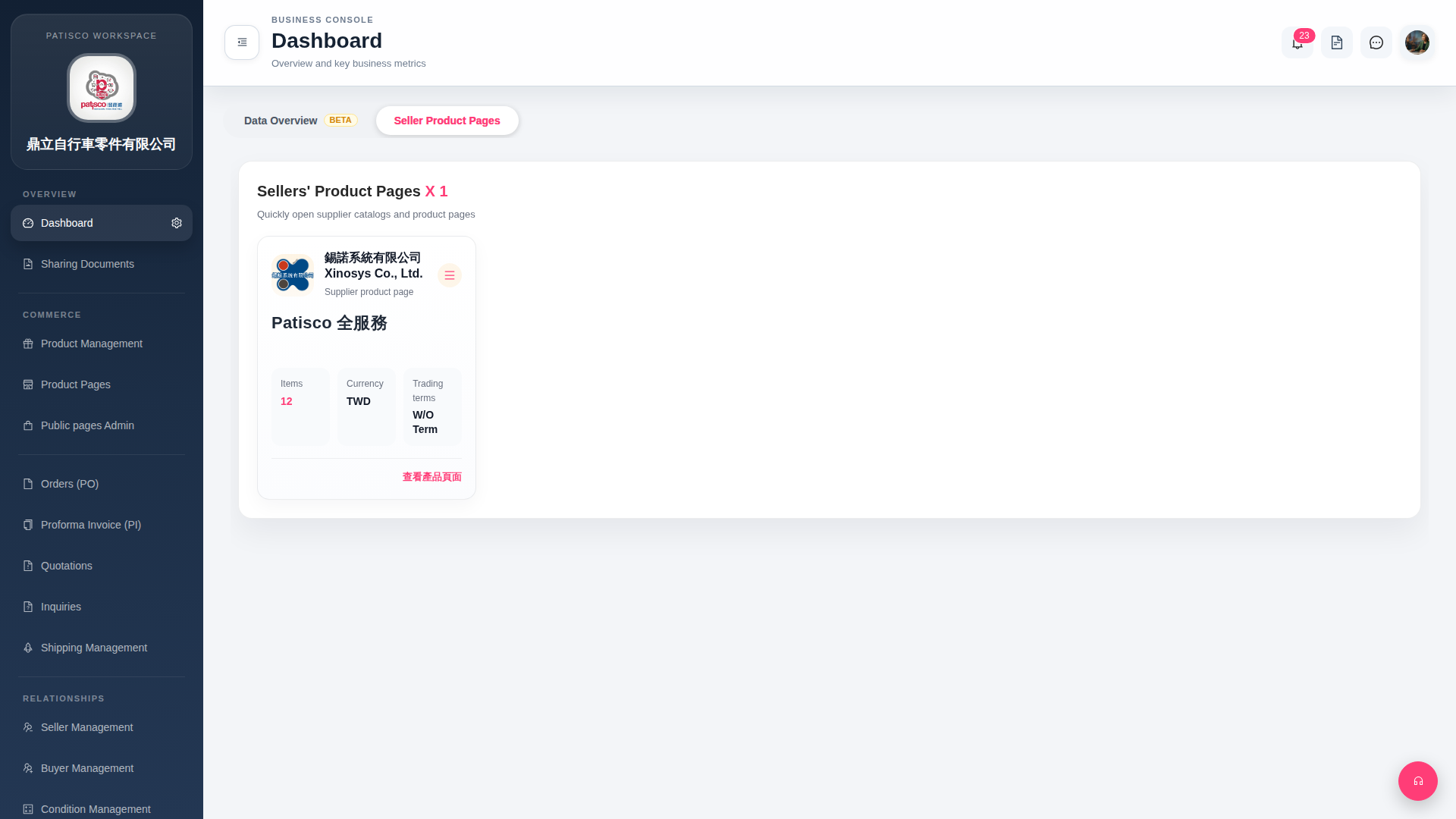
1. On the supplier card you want to view, click "View Product Page" at the bottom right to directly open the supplier's online product catalog. 2. If you need other operations (such as editing, deleting, etc.), click the "≡" (hamburger menu) at the top right of the same card to display more options. 3. If there are new notifications, you can click the bell icon at the top right of the page to view them (currently showing 23 unread).
 G4 桌面版|Dashboard