
1. To start a new conversation, click the + New conversation button at the top of the conversation list on the left. The system will create a fresh AI conversation session without affecting old conversation records. 2. To switch to an old conversation, simply click on any conversation in the historical conversation list on the left to continue. 3. To delete conversations you no longer need, click the delete icon (trash bin) on the right side of that conversation to remove it. 4. If you want to view files generated by the AI, click the AI-generated files (0) collapsible section below the conversation area to expand and view.
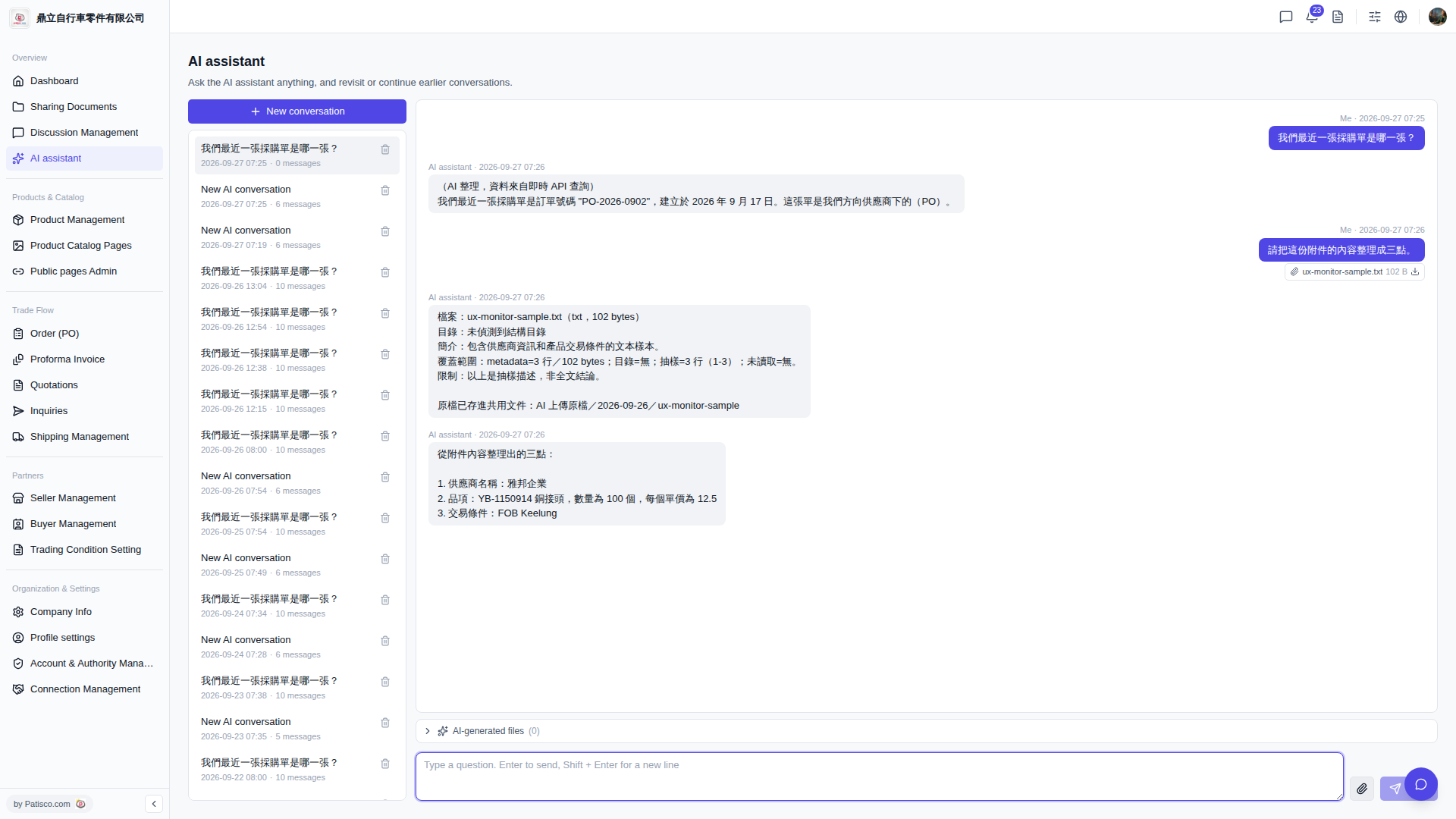 V5 新桌面版|AI assistant