
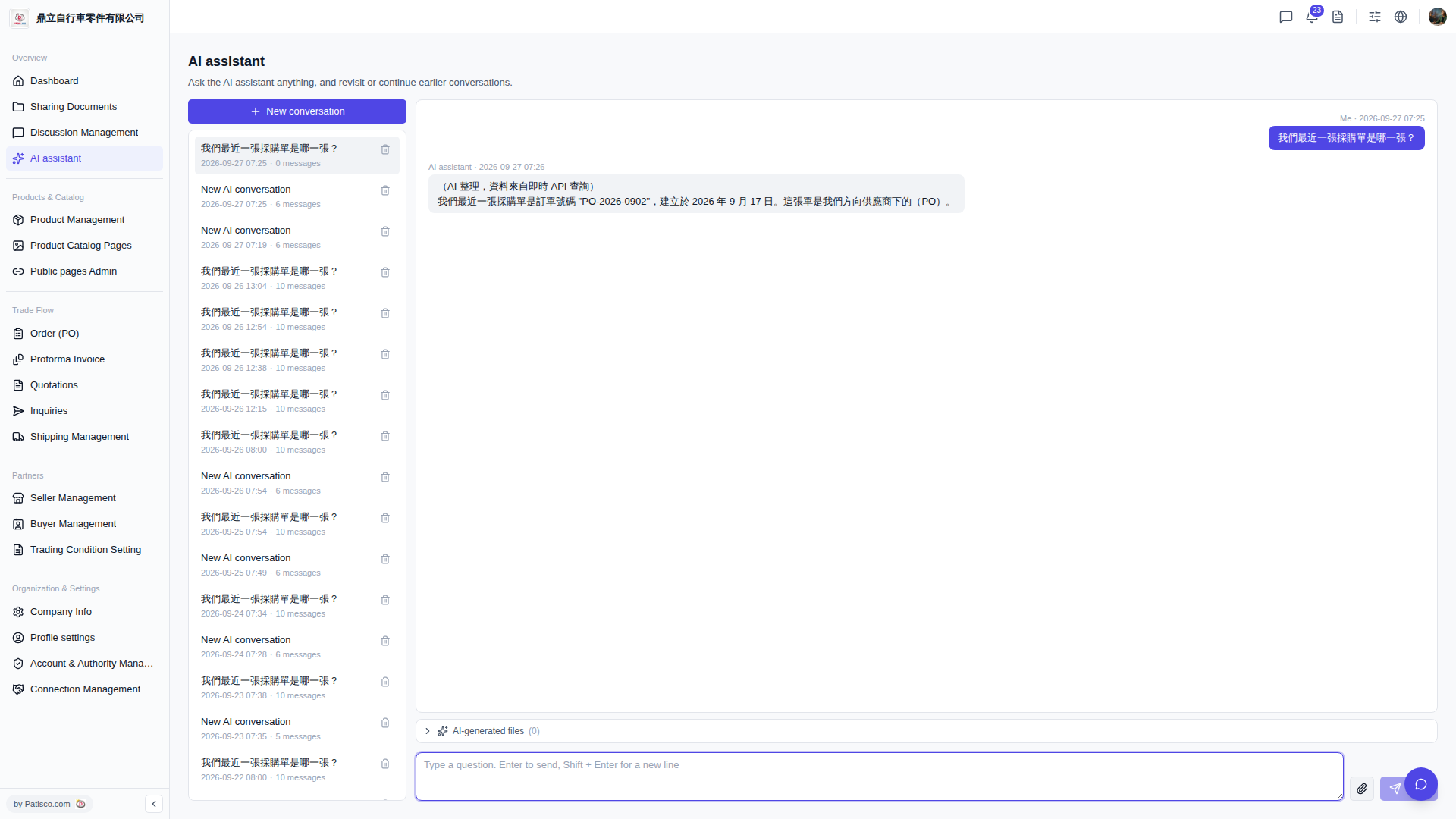
1. After logging in, access the "AI assistant" page from the top menu or sidebar. 2. Click "+ New conversation" at the top of the left conversation list to create a new conversation session. 3. Enter your question in the question input box at the bottom right (for example: What is our most recent PO?). 4. Press the Enter key to send the question, or press Shift + Enter to start a new line and continue typing before sending. 5. The AI assistant will display the response in the conversation area with the data source marked as "Real-time API query".
 V5 新桌面版|AI assistant