
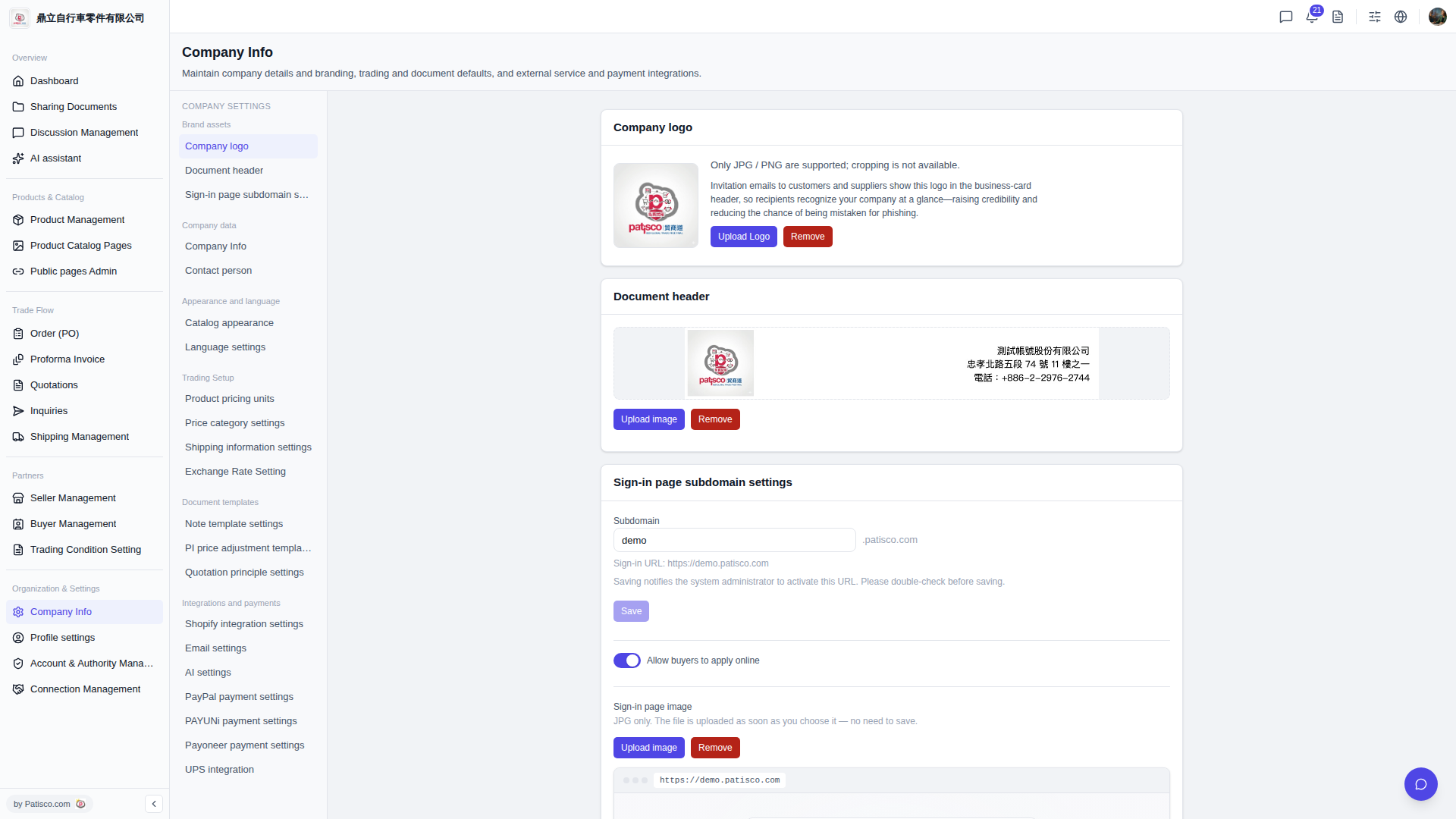
1. After logging into V5 new desktop version, click "Company Info" under "Organization & Settings" in the left sidebar. 2. Once you enter the page, the middle left panel will list configurable items such as "Company logo", "Document header", "Sign-in page subdomain settings", "AI settings", etc. Click on the corresponding item to switch between them.
 V5 新桌面版|Company Info