
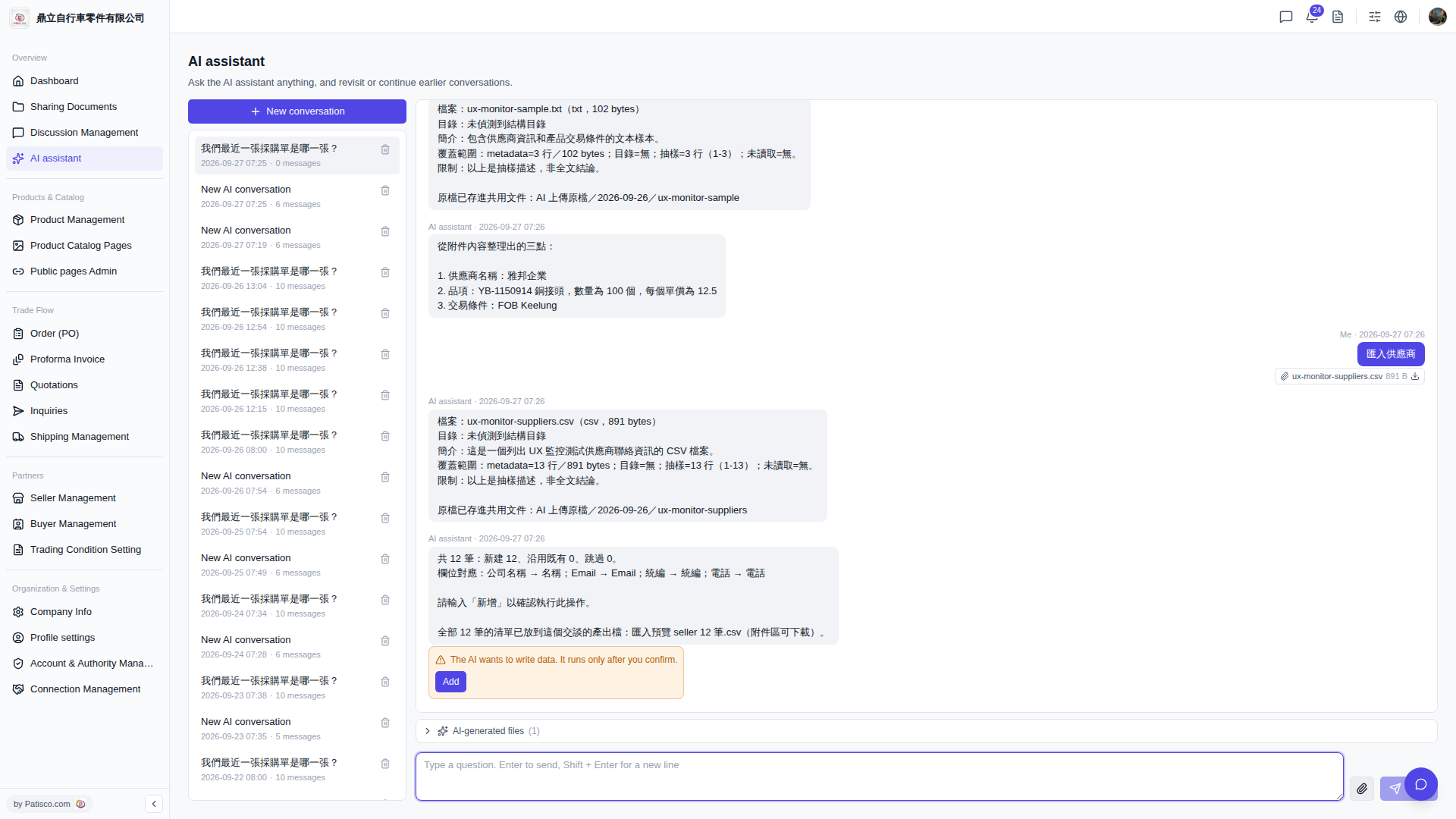
1. After the AI assistant completes the analysis, it will automatically generate an output file in the conversation named "Import preview seller 12 records.csv". 2. Go to the "Attachments" section of that conversation to find this file and click to download it. 3. After downloading, you can open it with a spreadsheet application on your computer to verify all record contents are correct before returning to the conversation and typing "add" to formally execute the import.
Note: The AI assistant will not write data to the system until you type "add" to confirm. No data will be modified to the system before this confirmation.
 V5 新桌面版|ai.outputs.csv