
Uploading files: 1. Enter your question in the message input box, then click the "paperclip icon" at the bottom right of the input box to upload an attachment. 2. After selecting the file, press the "arrow icon" submit button on the far right of the input box, or directly press Enter to send both together.
Asking questions about a document: 1. Go to the document page you want to ask about (for example, a PO or quotation). 2. Click the "Ask AI" button on that page. The system will automatically bring in the context information of the document and open the conversation directly without needing to manually copy the document content.
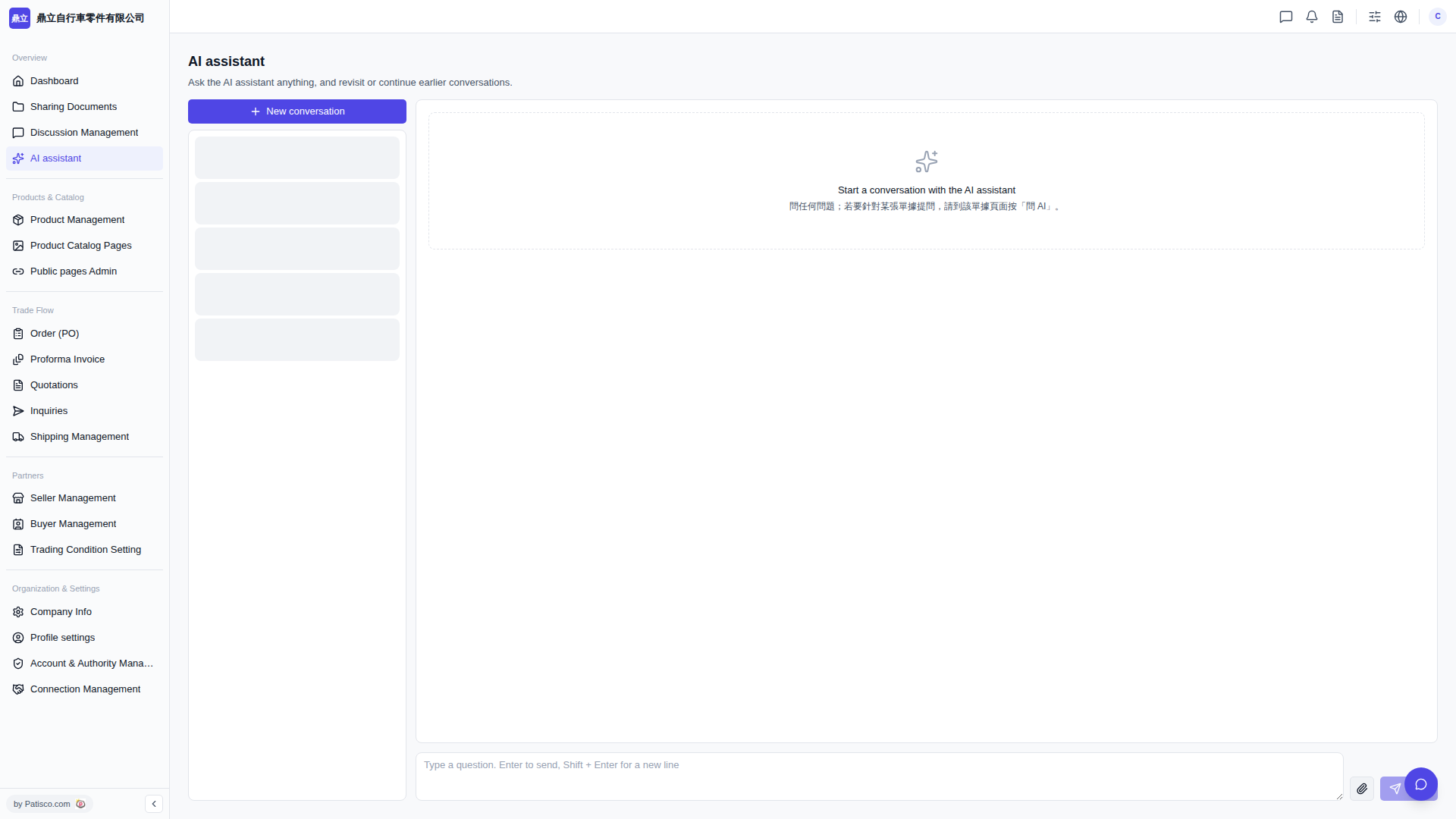 V5 新桌面版|AI assistant