
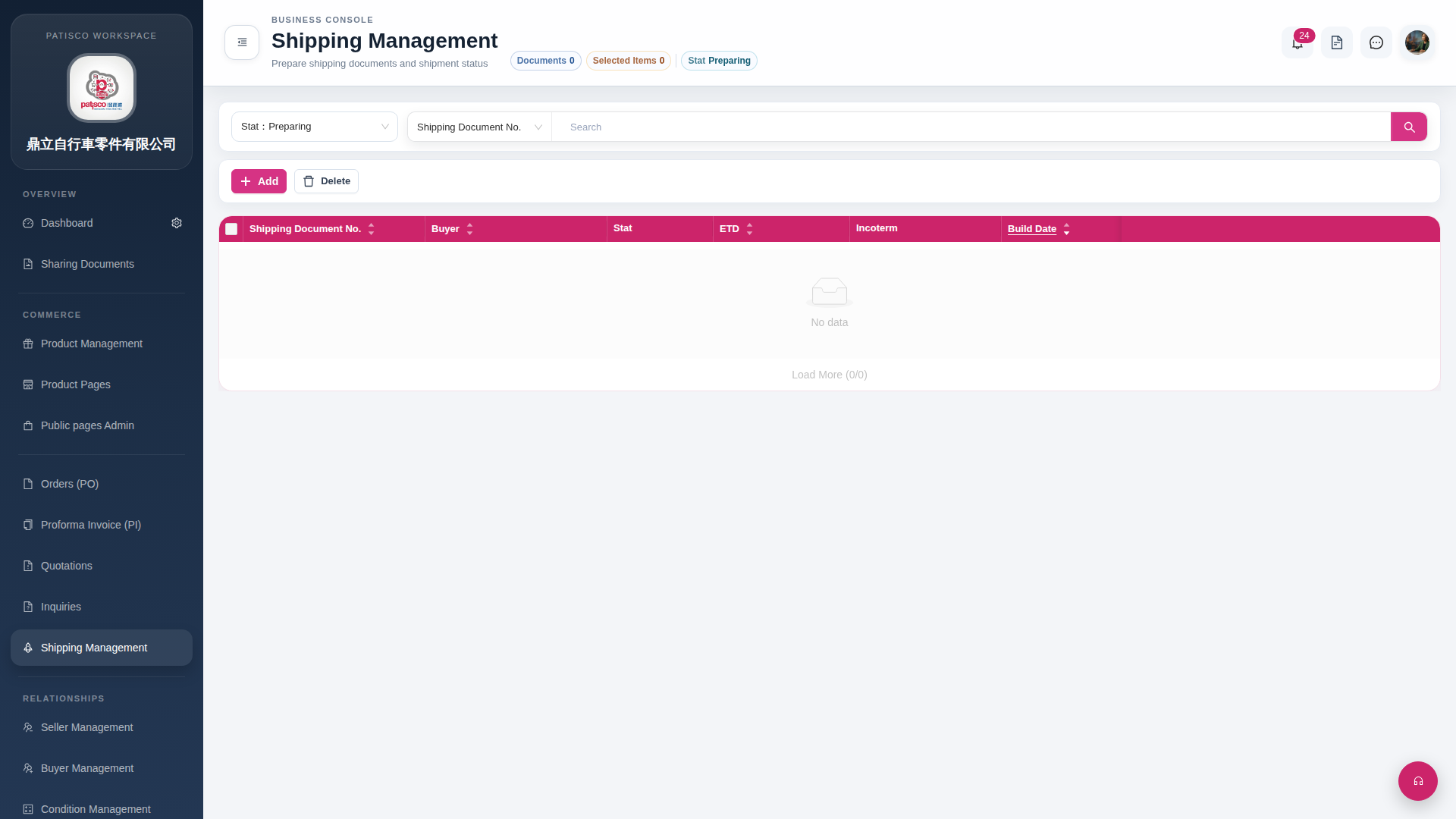
1. Click "Shipping Management" in the left sidebar to enter the Shipping Management page. 2. The page displays a list of shipping documents filtered by "Stat Preparing" by default, with columns including Shipping Document No., Buyer, Stat, ETD, Incoterm, Build Date, and more. 3. To adjust the filter status, click the "Stat Preparing" tab below the page title and switch other statuses through the dropdown menu. 4. If there are many data entries, click "Load More" at the bottom of the page to load more records.
 G4 桌面版|Shipping Management