
1. After opening mobile Patisco, go to the "New AI conversation" page. 2. The screen will display an empty conversation (No messages yet). 3. Tap the input field at the bottom of the screen "Ask AI a question..." and type your question or command. 4. Tap the pink "Send" button (paper plane icon) on the right side of the input field to submit your message. 5. After a moment, the AI's reply will appear in the conversation window.
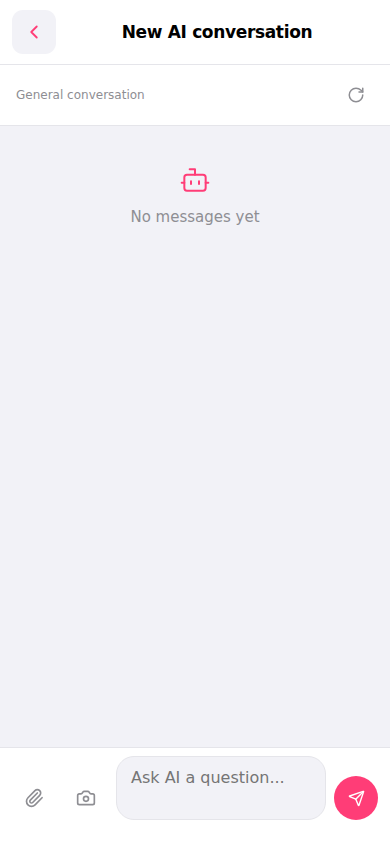 手機版|New AI conversation(新 AI 對話)