
Yes, follow these steps: 1. Open the "New AI conversation" page. 2. To attach a file, tap the "Attachment" icon (paperclip) on the left side of the input field and select the file to upload. 3. To attach an image, tap the "Camera" icon (lens) to the left in the input field, take a photo or select an image from your gallery. 4. Type your description in the input field "Ask AI a question..." and then tap the pink "Send" button (paper plane icon) on the right to submit. 5. If you want to start a new conversation, tap the "↺ (Refresh)" button in the top right corner to clear the current conversation.
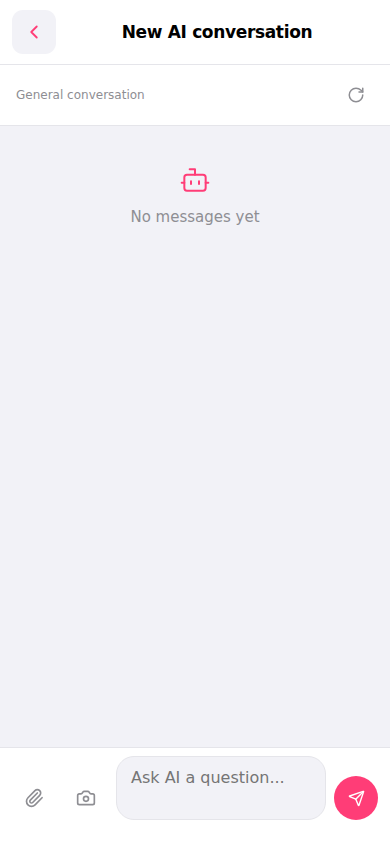 手機版|New AI conversation(新 AI 對話)