
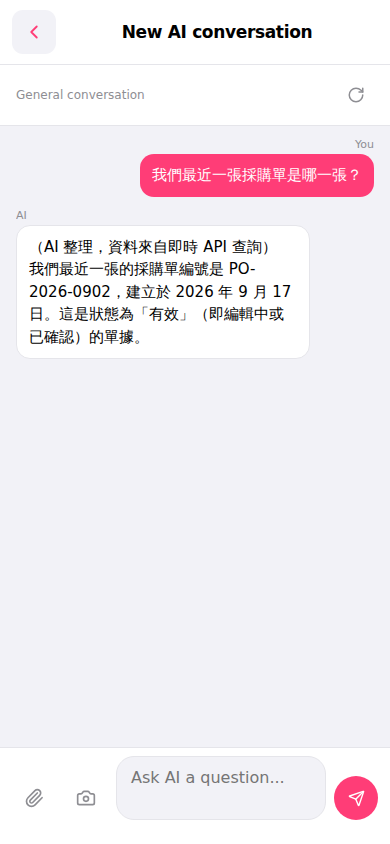
1. After entering the "AI conversation assistant" page, the screen will display "New AI conversation" at the top, with the default conversation topic as "General conversation". 2. Tap the input field at the bottom of the screen (Ask AI a question...) and enter your question. 3. To attach a file, tap the paperclip icon on the left side of the input field; to upload an image, tap the camera icon next to it. 4. After typing, tap the pink send button (paper plane icon) on the right side of the input field to submit your question. 5. The AI will query system data and display the reply in the conversation area.
Example question: "What was our most recent PO?" Example answer: "Your most recent PO is PO-2026-0902, created on September 17, 2026, with status "Active"."
 手機版|AI 對話助理