
1. After entering the "Discussions" page, the left "Discussion" tab is displayed by default. 2. Tap the "AI Discussion" tab on the right side of the tabs to switch to the AI discussion list. 3. The list will show various discussion topic names (such as Order). Tap any item to enter the conversation page and view AI reply content.
Example question to ask AI: "I have a CSV file with supplier data containing 12 rows. Please process it for me." Example AI response: The AI backend will provide corresponding processing results or explanations based on the CSV content.
⚠️ Known issue: Currently on mobile, after the AI completes a reply, the screen may continue to show a loading circle. You need to manually reload the page to see the reply content. Additionally, AI replies will not proactively provide download links for output files, so please check if any related files have been generated.
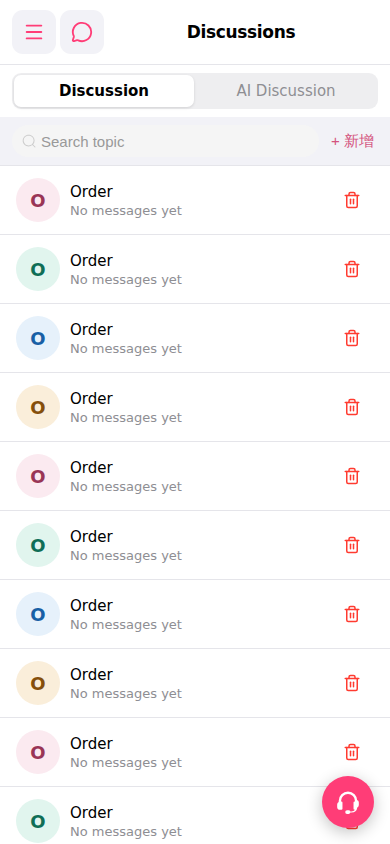 手機版|Discussions(討論列表)