
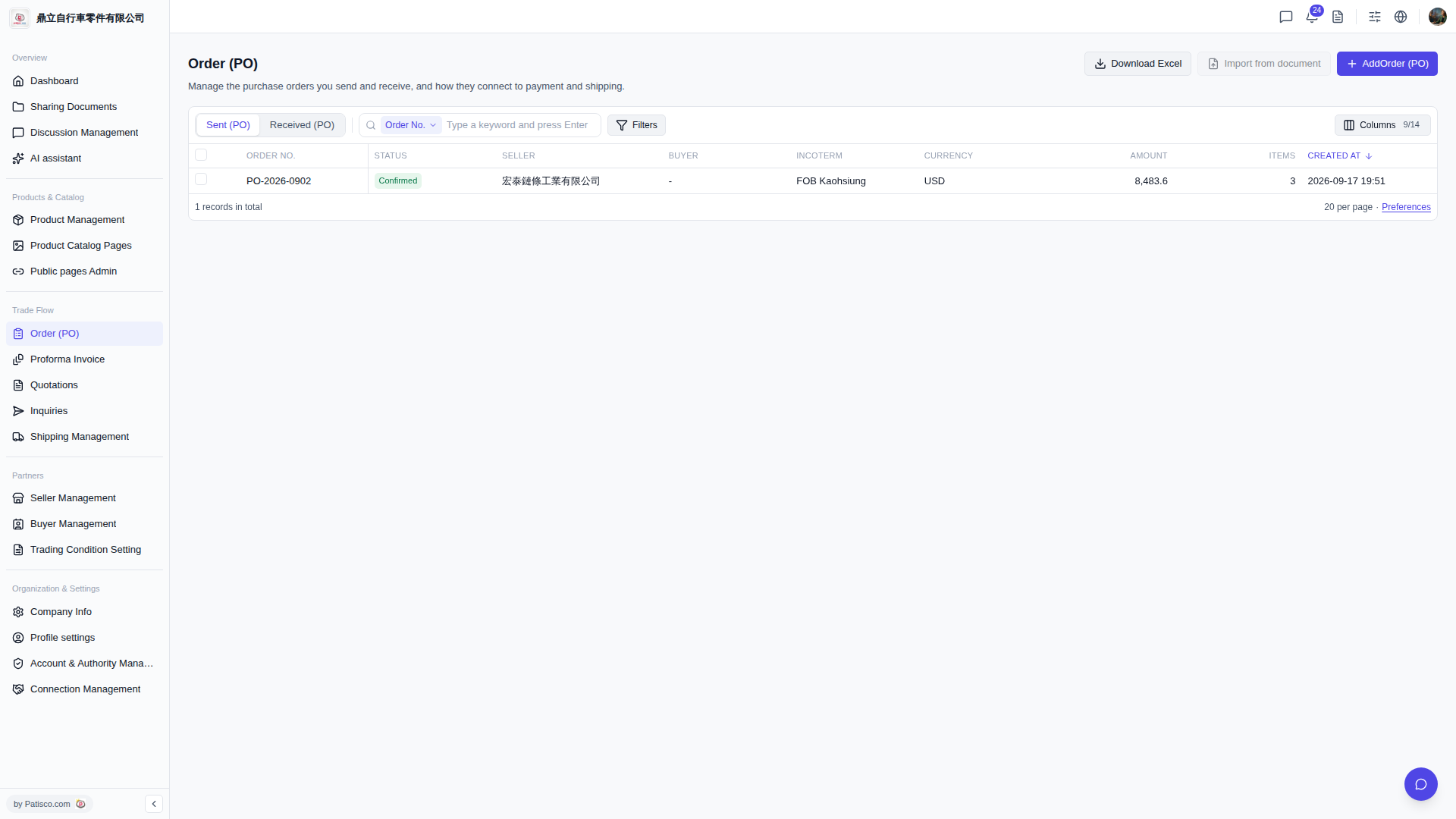
1. In the left sidebar, find the "Trade Flow" section and click "Order (PO)" to enter the "Order Management (Order PO)" page. 2. Once you enter, the order list is displayed by default, including columns such as ORDER NO., STATUS, SELLER, BUYER, AMOUNT, etc. 3. Click the "Sent (PO)" tab at the top to view orders you have sent, or click "Received (PO)" to view orders you have received.
 V5 新桌面版|訂單管理 (Order PO)