
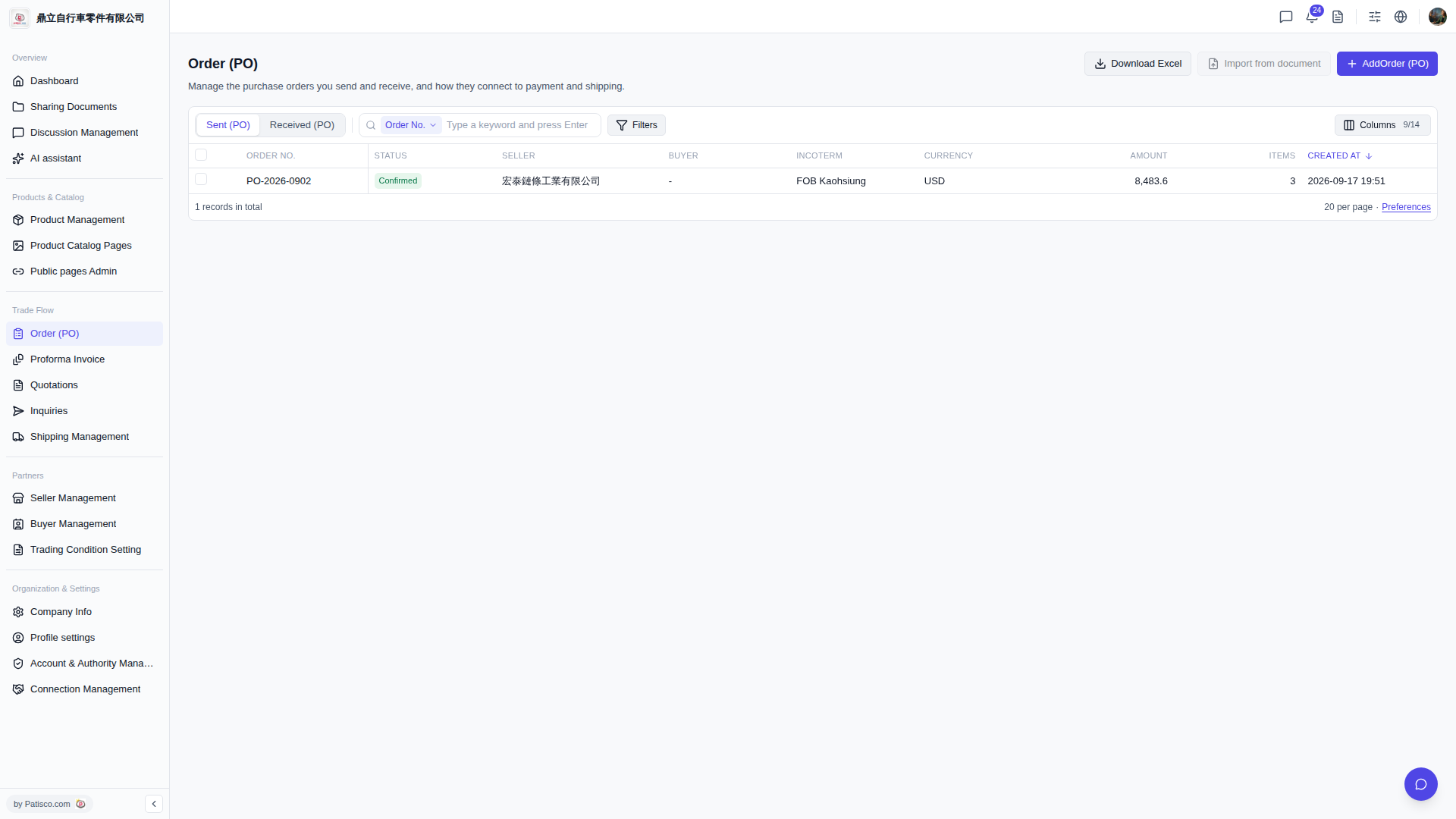
1. In the search bar on the left dropdown (default is "Order No."), select a search field and enter keywords, then press Enter to execute the search. 2. To perform advanced filtering, click "Filters" on the right side of the search bar to open the filter settings panel. Apply after setting conditions. 3. To adjust which columns are displayed in the table, click "Columns 9/14" in the top right of the list to check or uncheck the fields you want to display (14 fields are available, currently showing 9). 4. To adjust preferences like the number of rows displayed per page, click "Preferences" at the bottom right of the list.
 V5 新桌面版|訂單管理 (Order PO)