
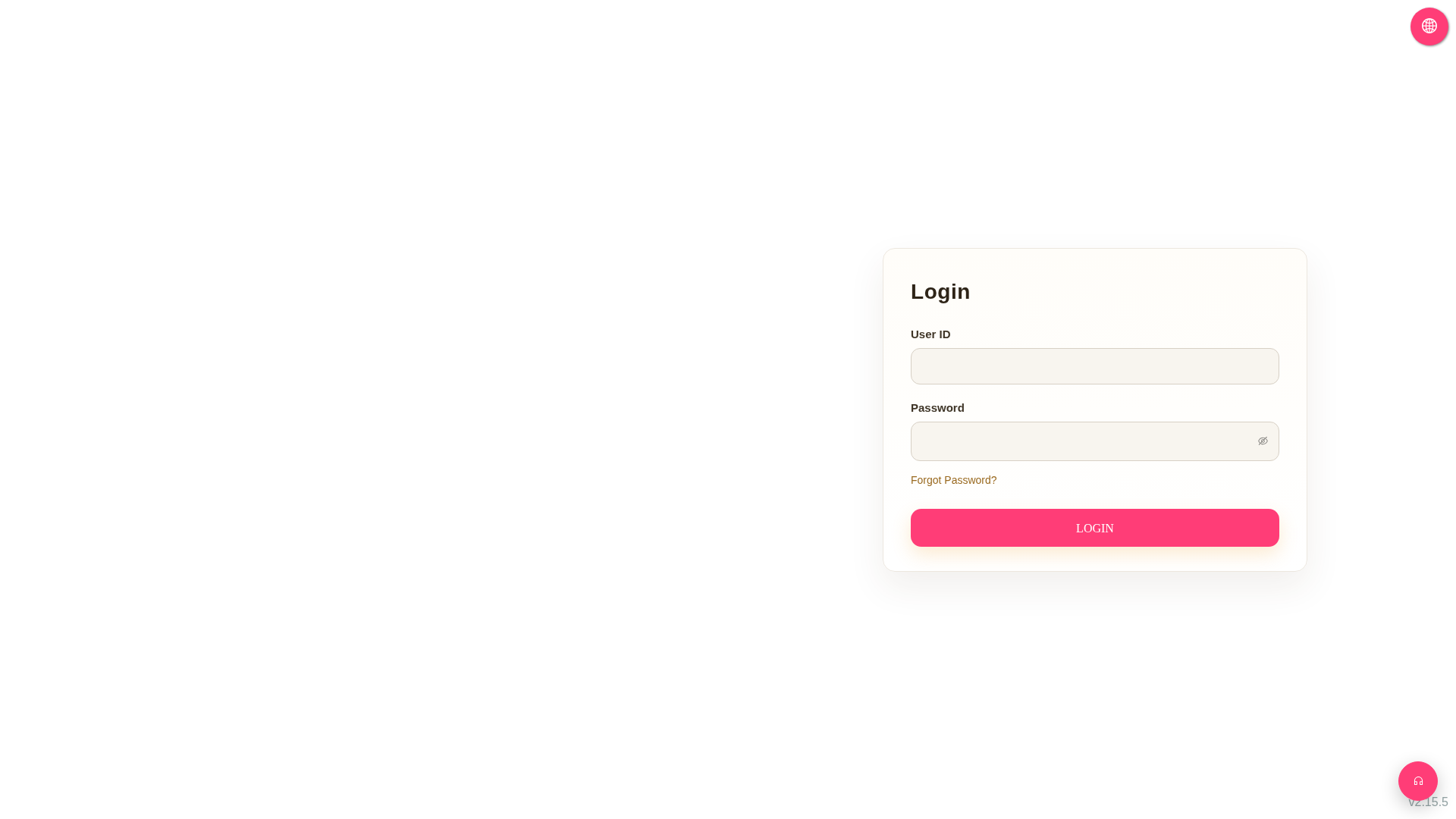
• Forgot Password: Click the orange-red "Forgot Password?" link below the password field on the login page and follow the on-screen instructions to complete the password reset process. • Change Language: Click the pink circle globe icon in the top right corner and select the interface language you need. • If you need customer support, click the pink circle headphone icon in the bottom right corner to open the online support feature.
 G4 桌面版|Login