
1. Click "Shipping Management" in the left sidebar to access the Shipping Management page. 2. The tab bar at the top of the page shows the current filter status (for example, "Stat Preparing" displays only shipping documents in preparation), and the number of selected items ("Selected Items 0"). 3. To add a new shipping document, click the "Add" button on the left side above the list, fill in the relevant information, and save. 4. To delete a document, first check the target row using the checkbox on the left side of the list, then click the "Delete" button to confirm deletion. 5. You can enter keywords in the search bar and click the magnifying glass button to search by Shipping Document No.; you can also click the "Build Date" column header to toggle the sort order.
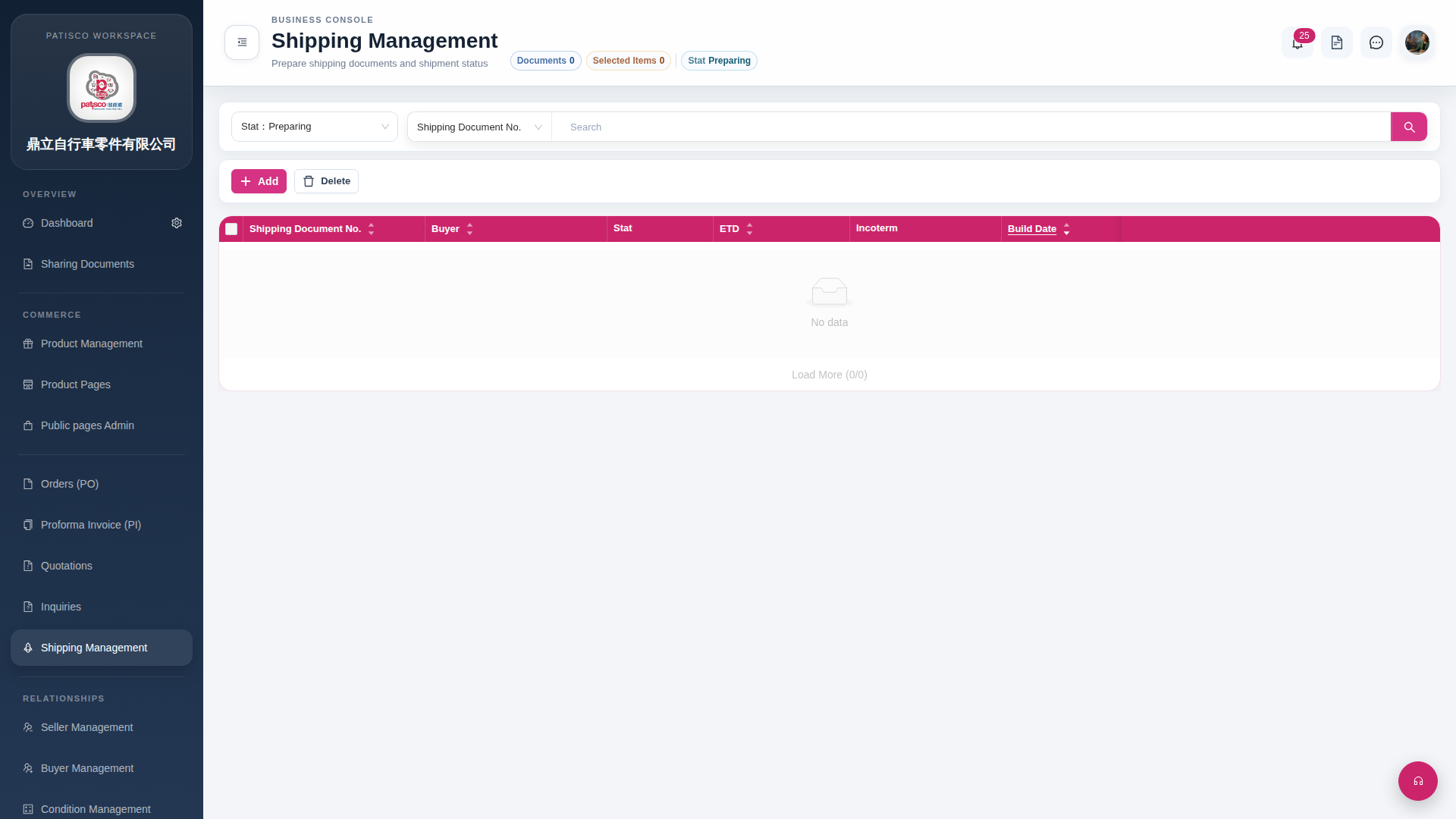 G4 桌面版|Shipping Management